
Connect
Post a program (activity)
Who this is for: Admin
Admin
Tap Programs → Post activity.
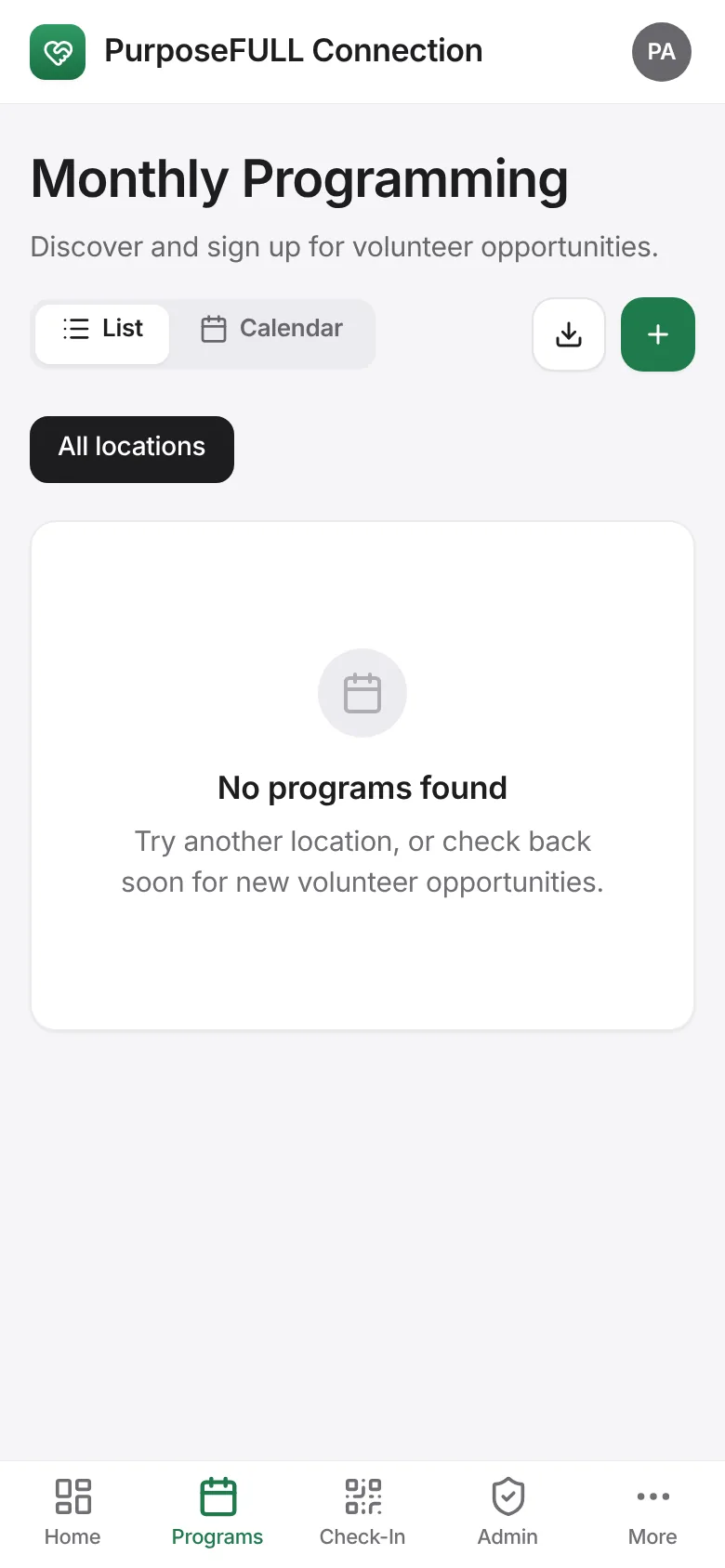
Enter the activity title, when it starts, the location, and the roles and quotas (for example Lead: 1, Server: 4) or just the total volunteers.
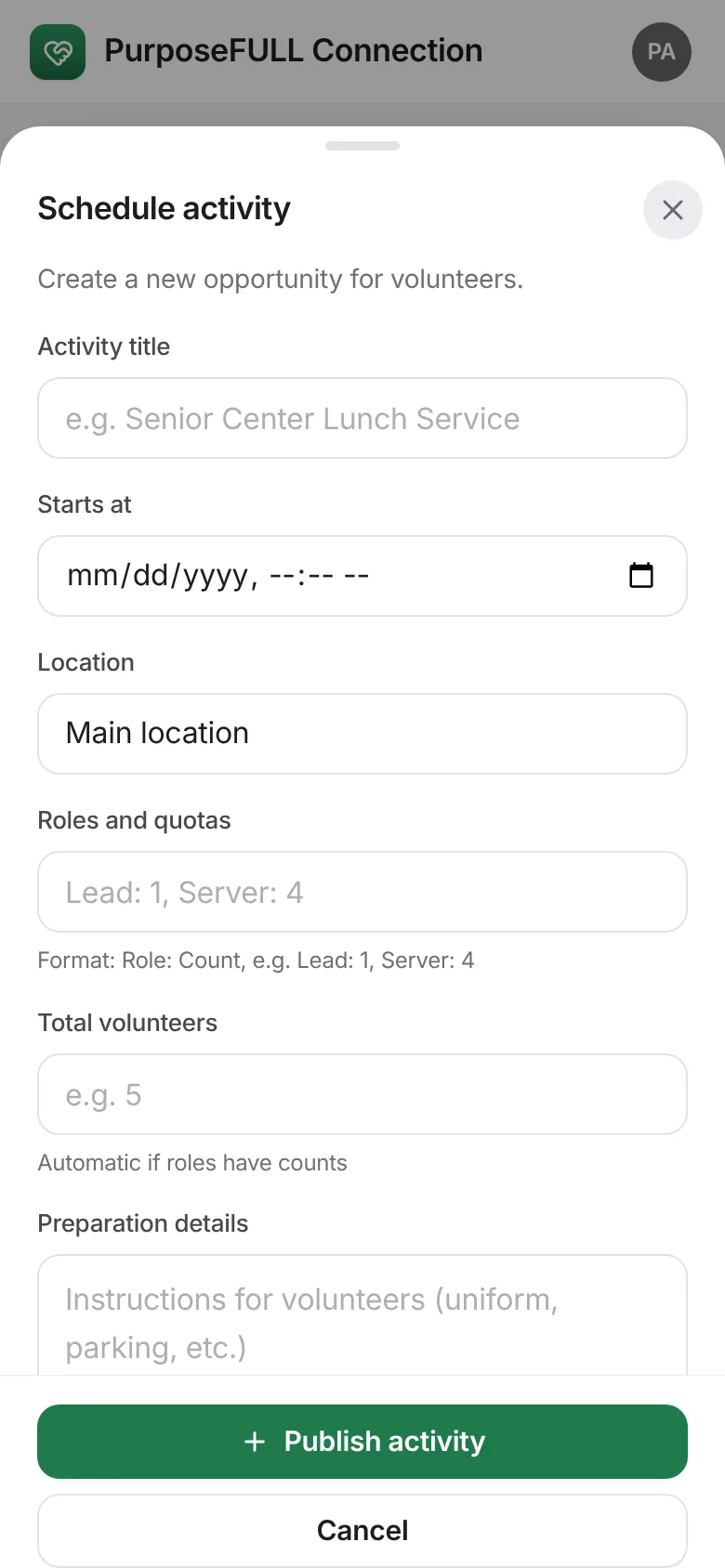
Add preparation details for volunteers (uniform, parking, where to meet). Tap Publish activity.
Volunteers see it under Programs straight away and can sign up.