CoreFitness
Find a member and see their history
Who this is for: Staff, Admin
StaffAdmin
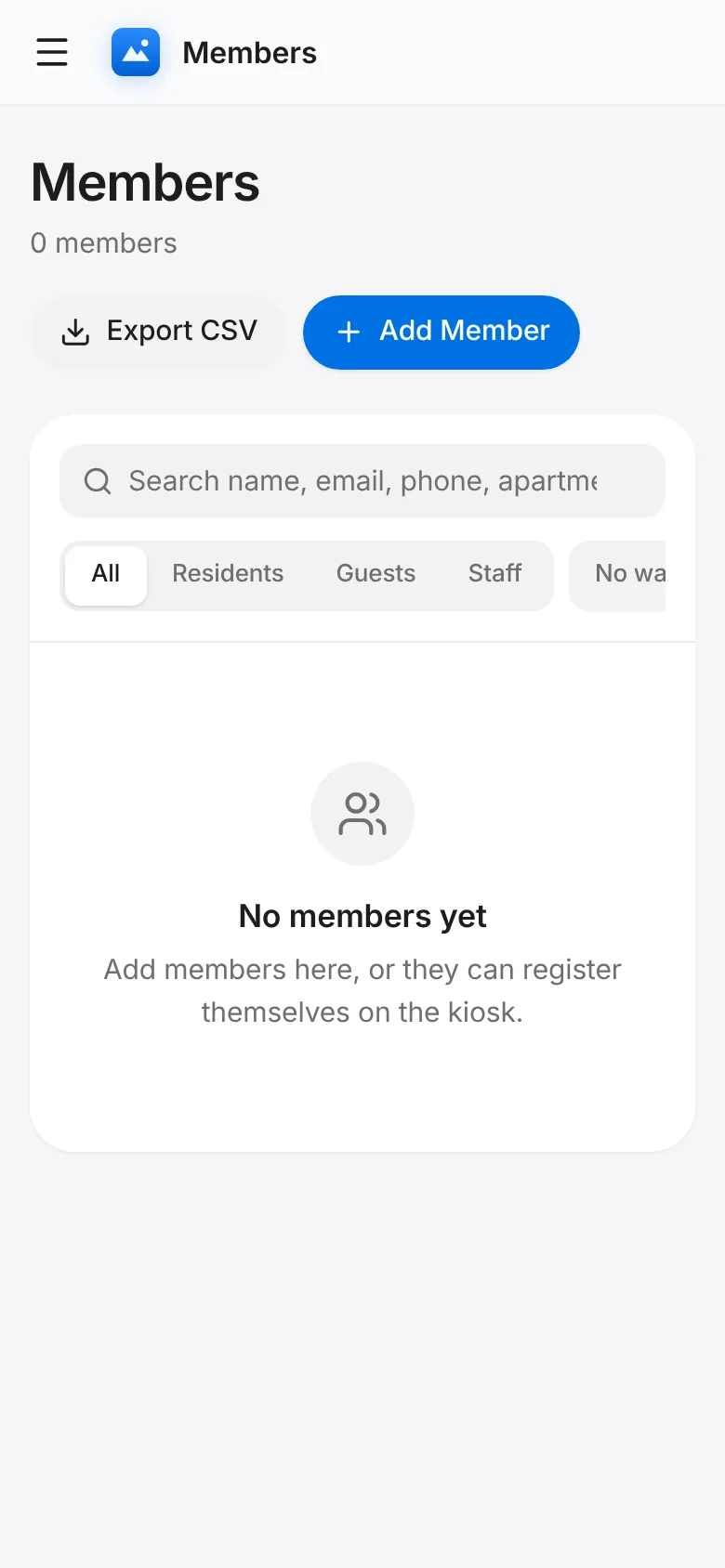
Tap Members. Search by name, email, phone, apartment or pass. Filter by Residents, Guests, Staff or No waiver, and sort by name, last visit or newest.
Tap a member to see their photo, pass, waiver status, notes and visit history, and to edit their details.