CoreFitness
Getting started at the kiosk
Who this is for: Members at the kiosk
Members at the kiosk
The kiosk is the iPad at the front desk. First visit takes about a minute; after that, checking in takes seconds.
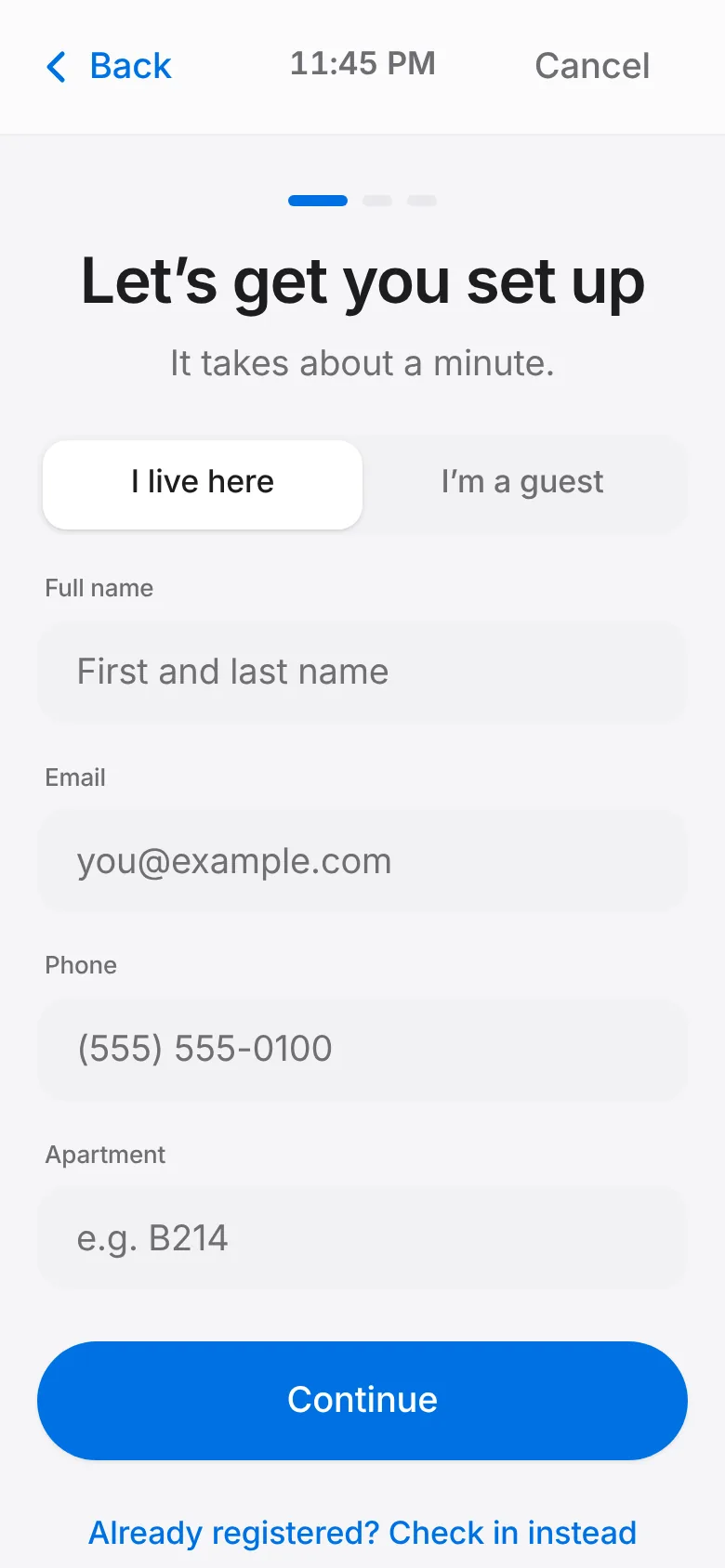
First time here? Tap I’m new, enter your details, take a photo and sign the waiver on screen.
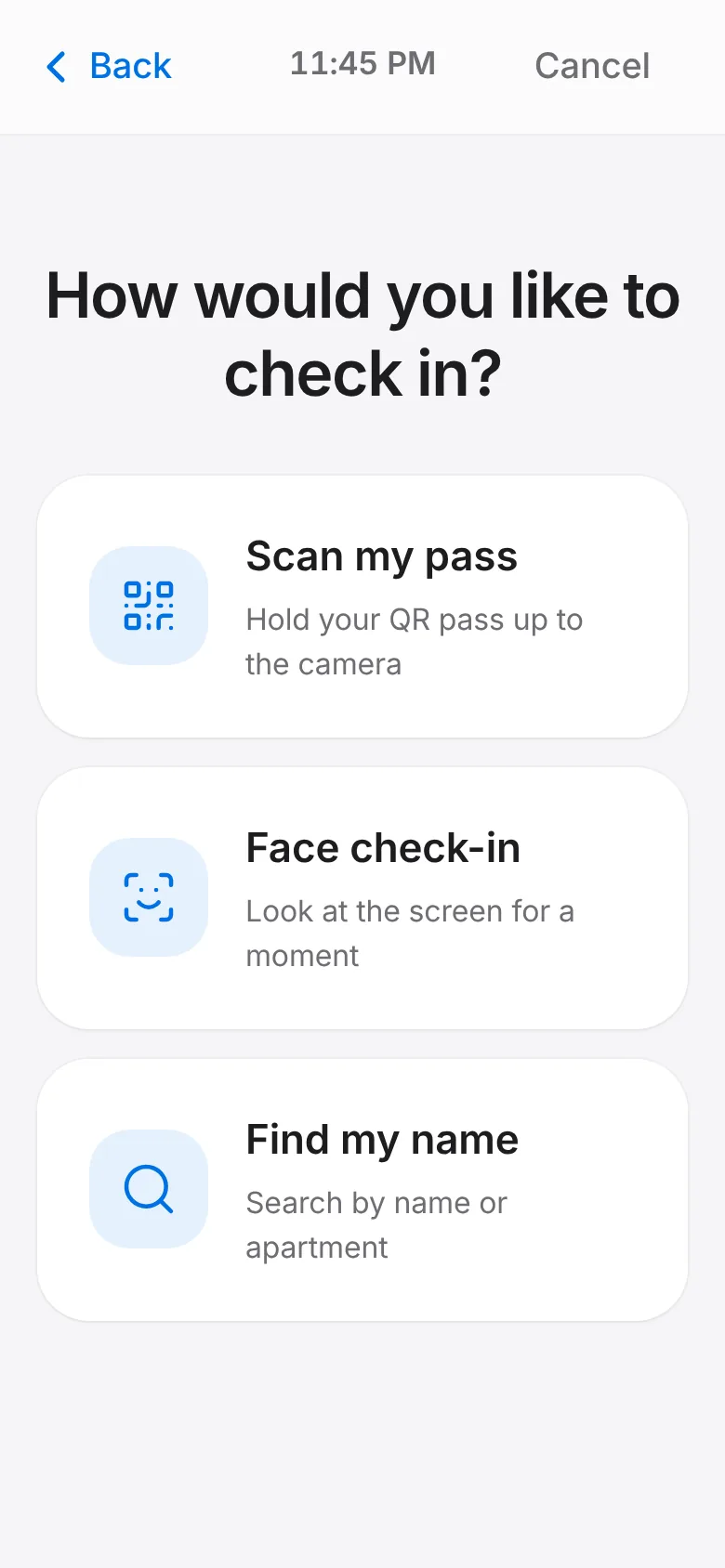
Every visit after that: tap Check In and scan your pass, look at the camera, or find your name.
Pick the activity you are here for (gym, a class, ping pong…).
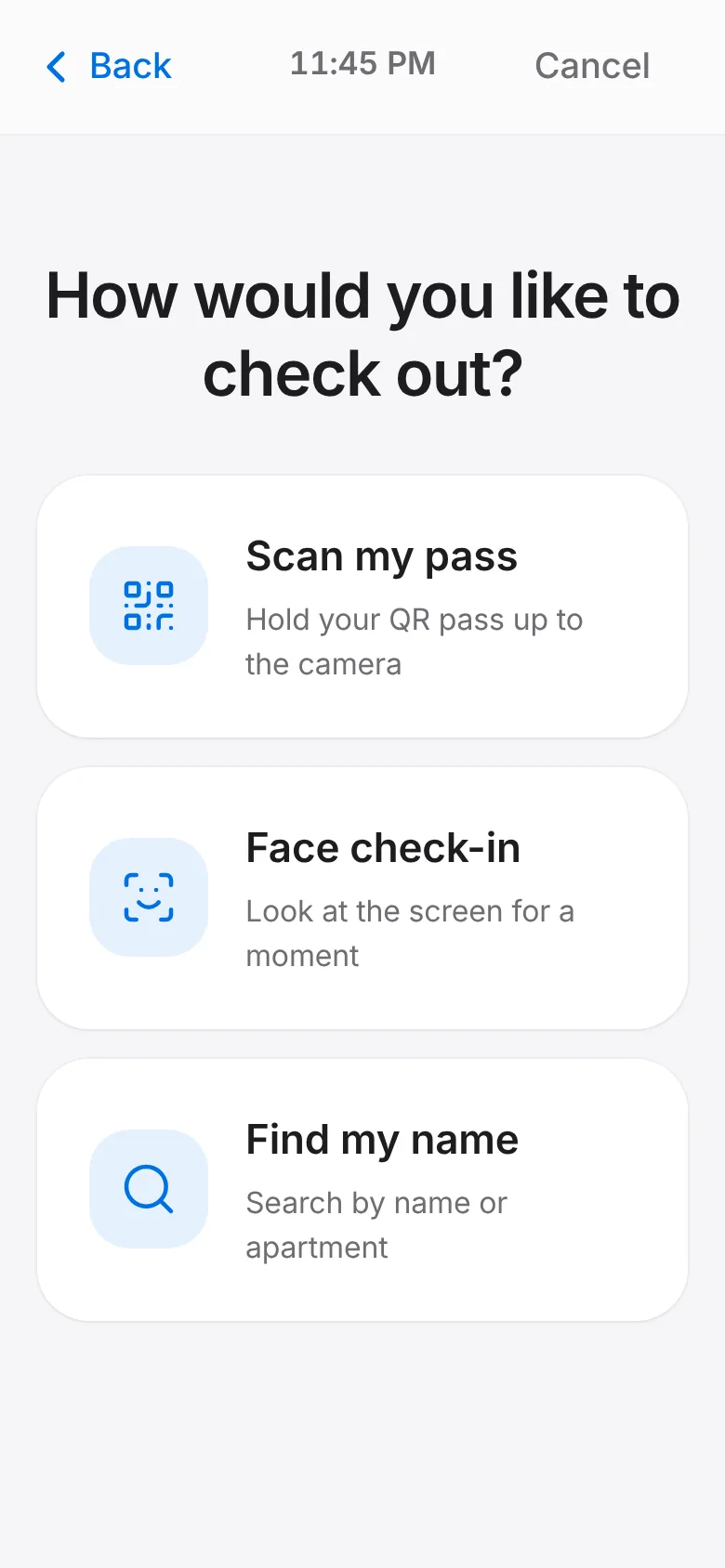
On your way out, tap Check Out. If you forget, the visit closes itself at the automatic check-out time.