Guest Suite
Edit a booking
Who this is for: Admin, Manager, Concierge
AdminManagerConcierge
Change dates, the party, extras or charges. The booking keeps its original price unless the dates change.
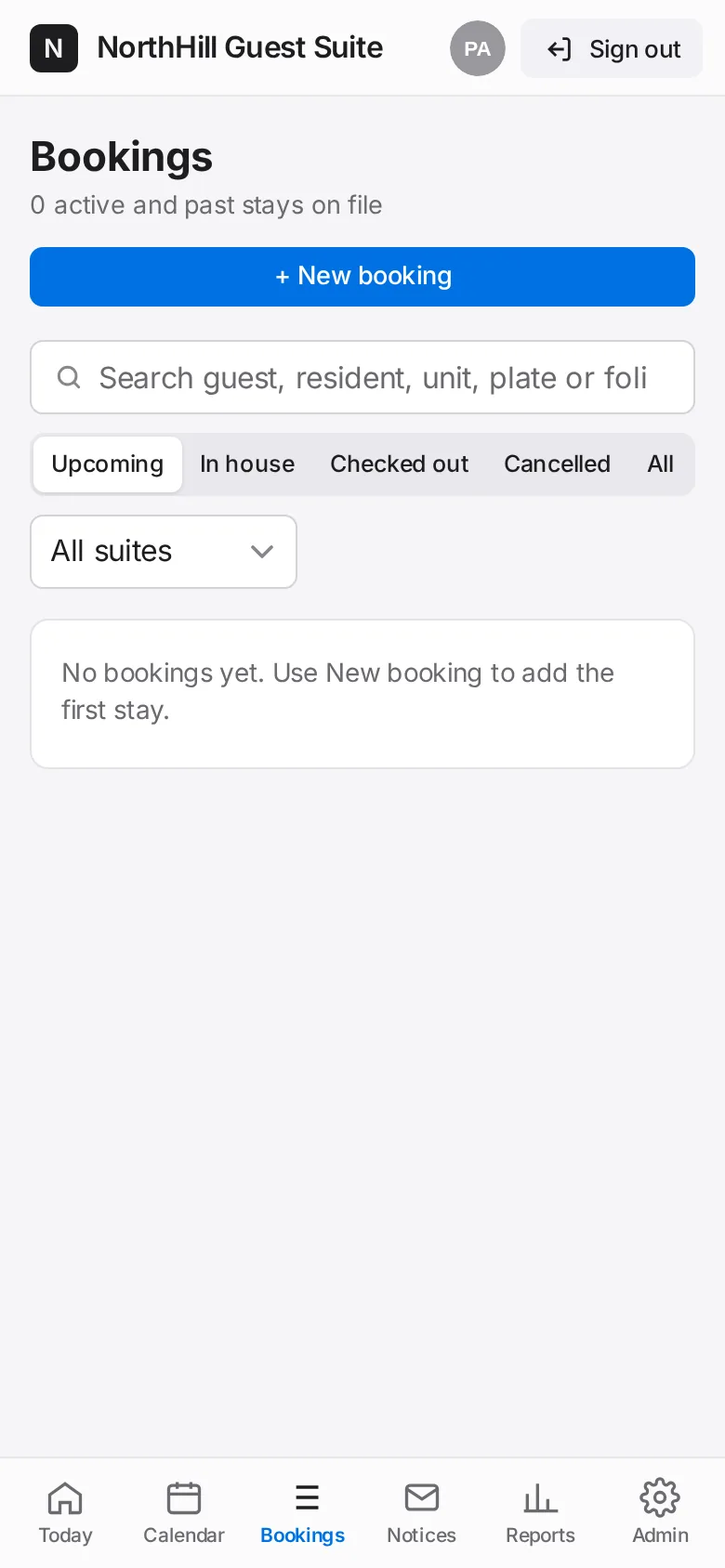
Open the booking from Bookings or Today and tap Edit.
Change what you need. New dates are checked against other stays and blackouts.
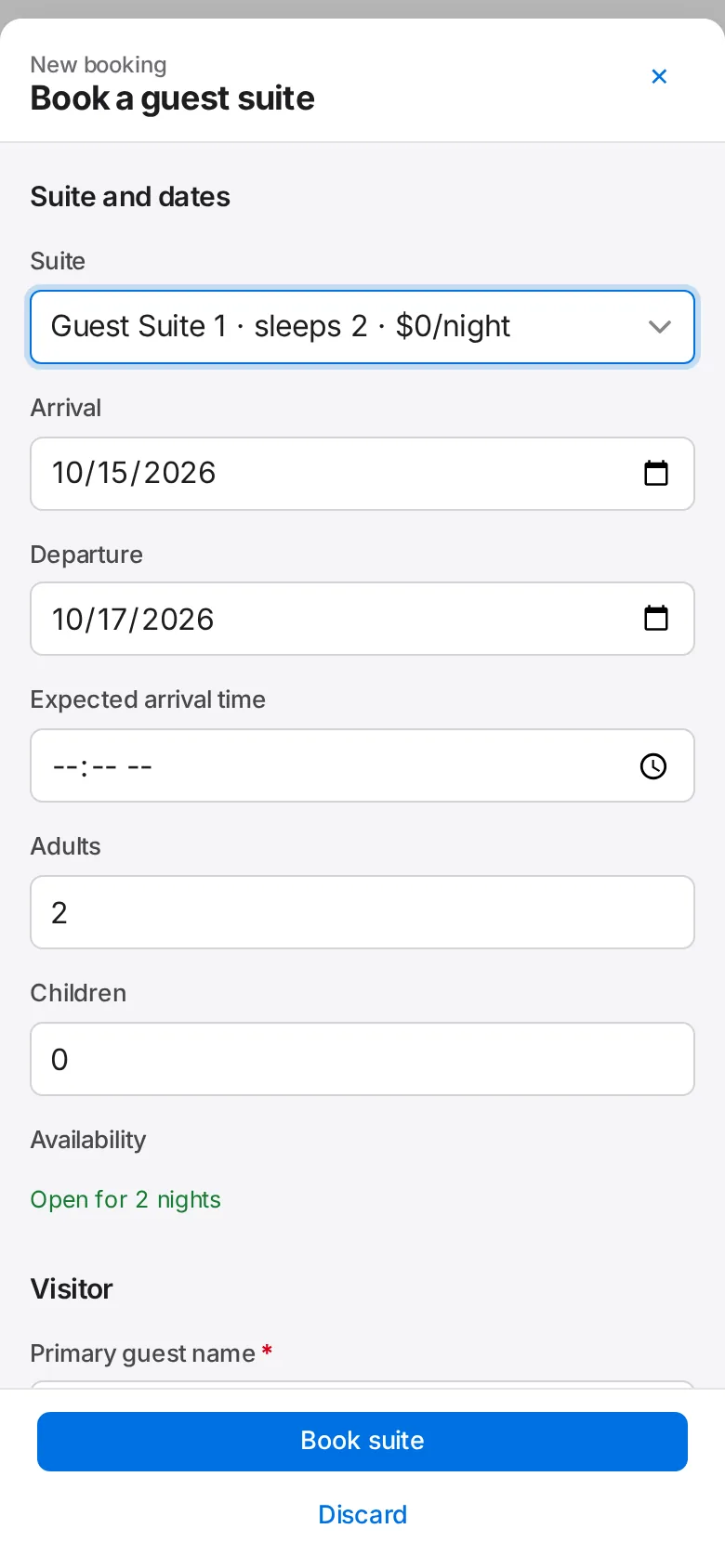
Tap Save changes. If staff notices were already sent, updated notices appear under Notices.