Guest Suite
Getting started as a Concierge
Who this is for: Concierge
Concierge
You book suites, welcome guests and keep housekeeping in the loop. Cancellations and payment changes go to a manager.
Sign in. Today is your home screen: arrivals, departures, who is in house and the cleaning state of each suite.
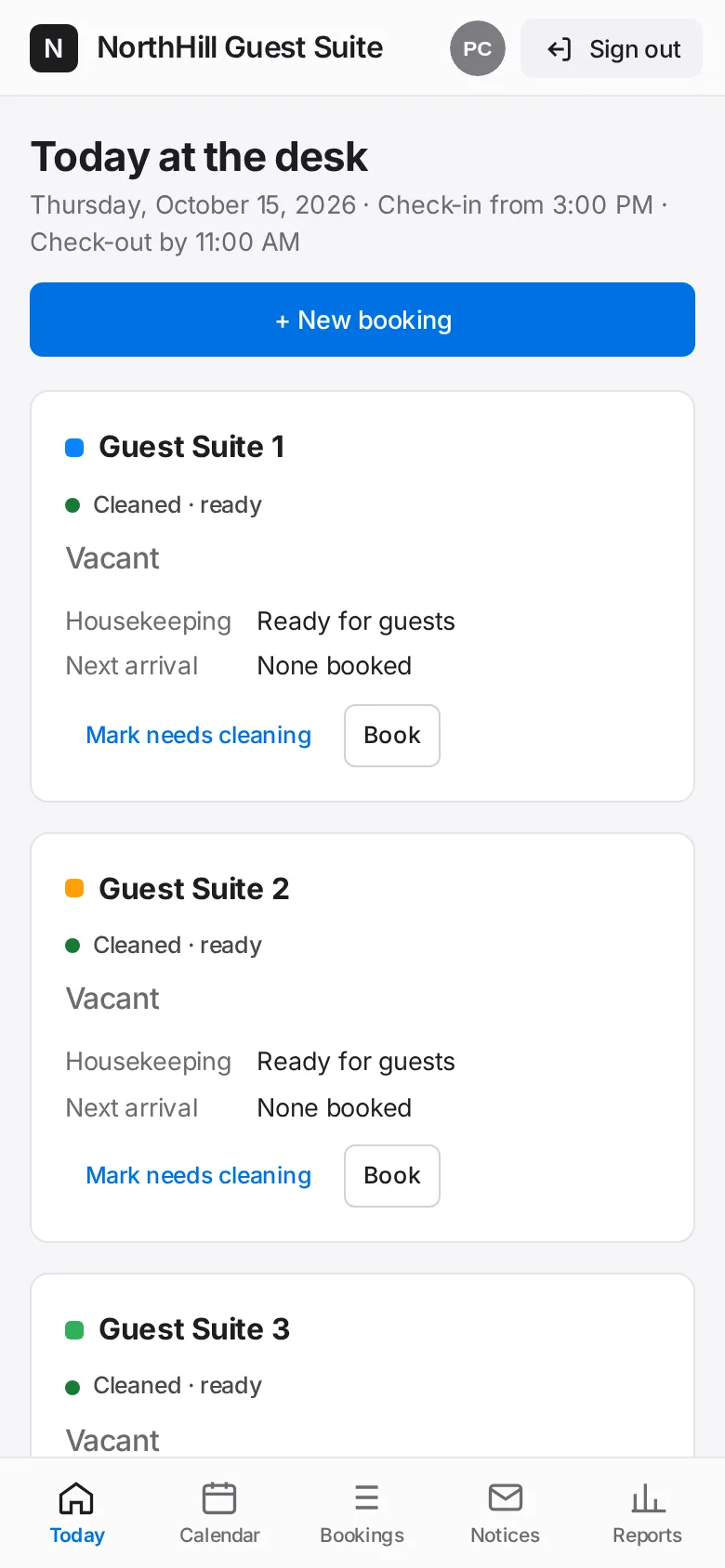
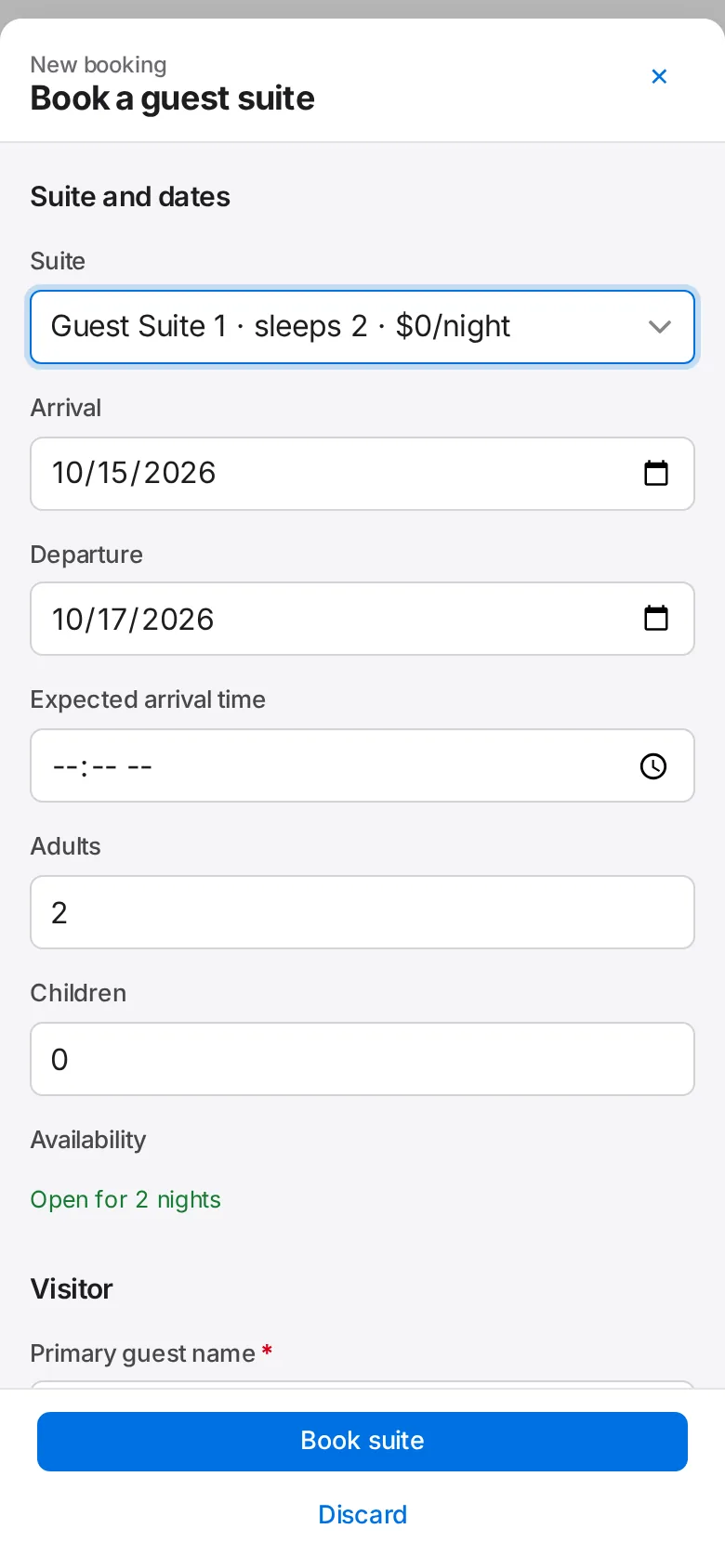
Tap + New booking to book a suite for a resident’s visitor.
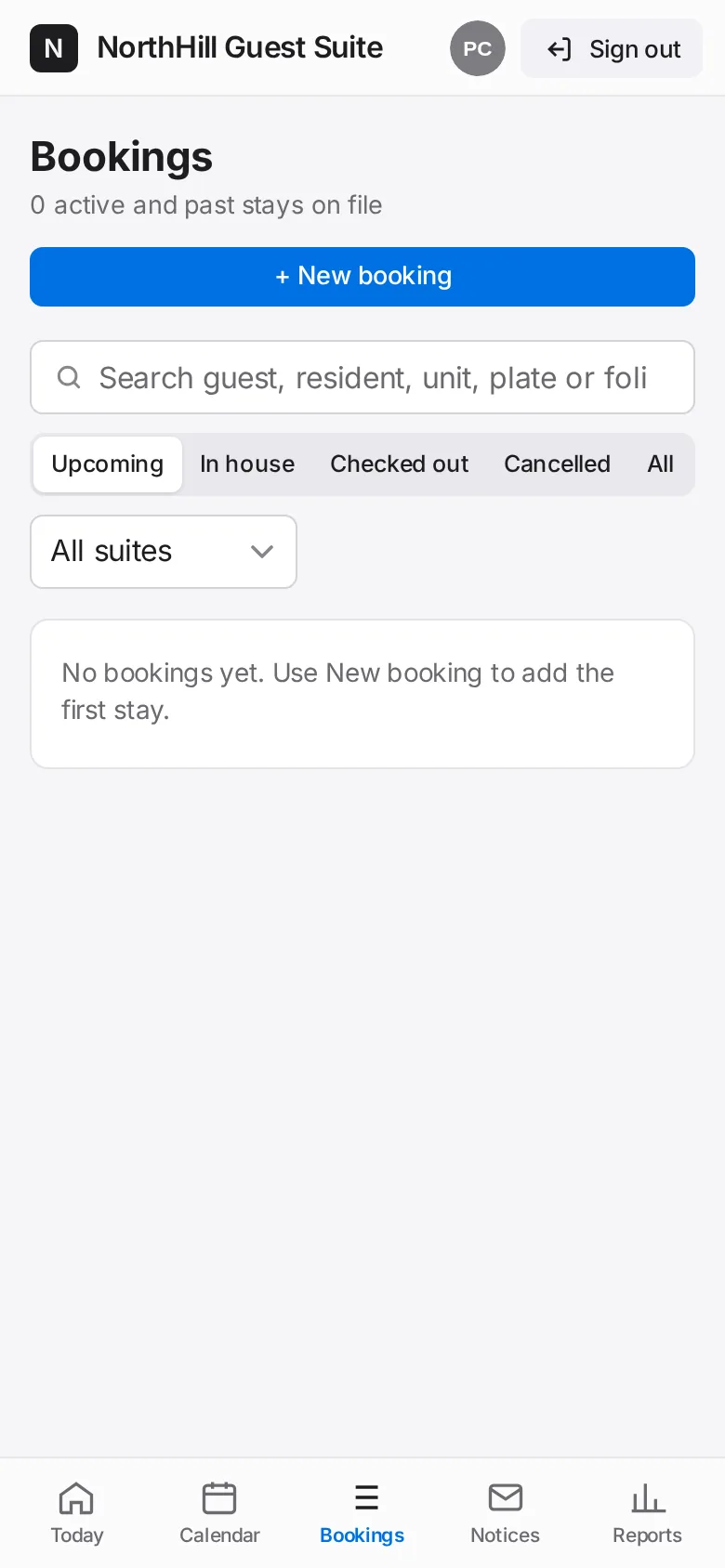
When a guest arrives, open their booking and tap Check in. When they leave, tap Check out.
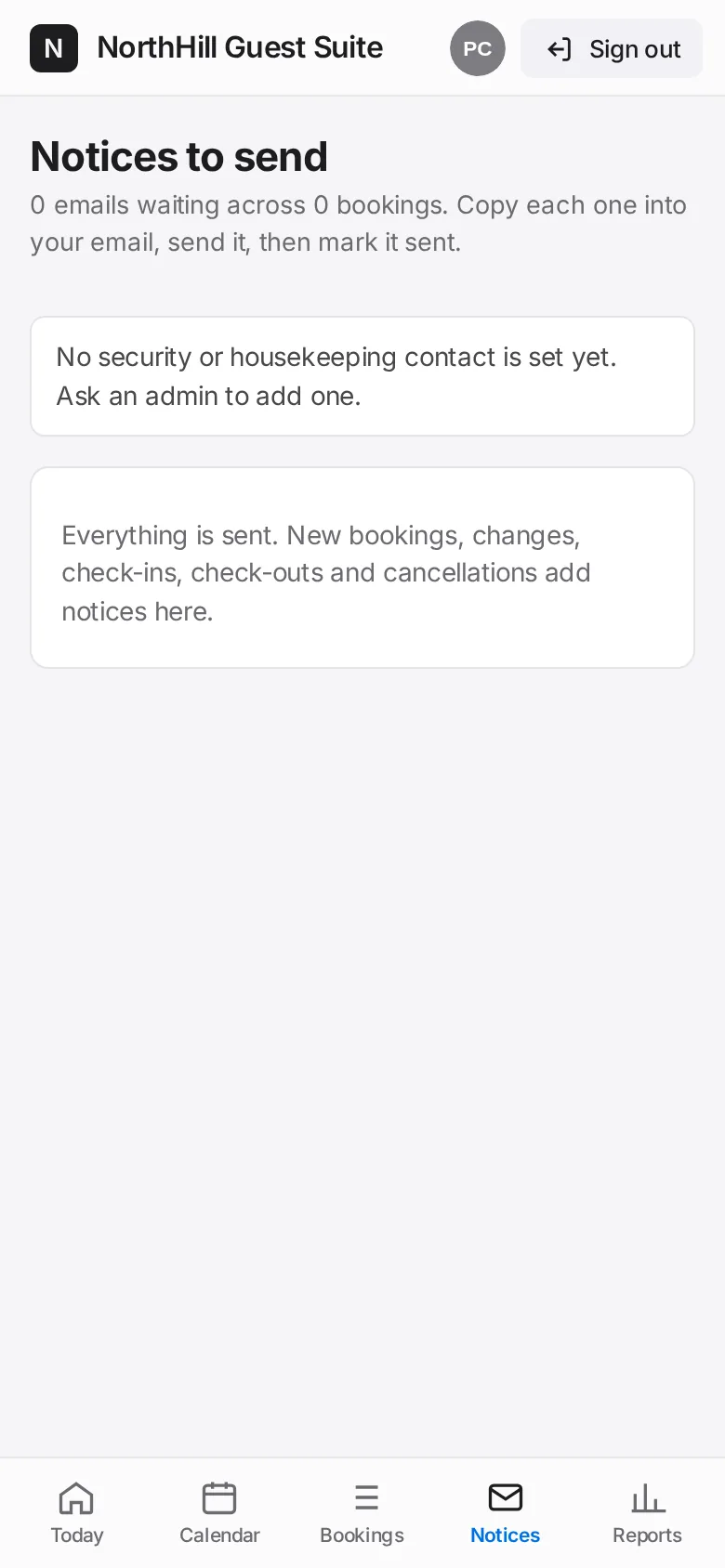
After each booking, open Notices and send the visitor confirmation and the staff notices.
Tap Mark needs cleaning on a suite after a departure so housekeeping sees it; tap again when it is ready.