PurposeFULL Connection
Sign in, sign out and reset your password
Who this is for: Resident volunteer, Community volunteer, Staff, Admin
Resident volunteerCommunity volunteerStaffAdmin
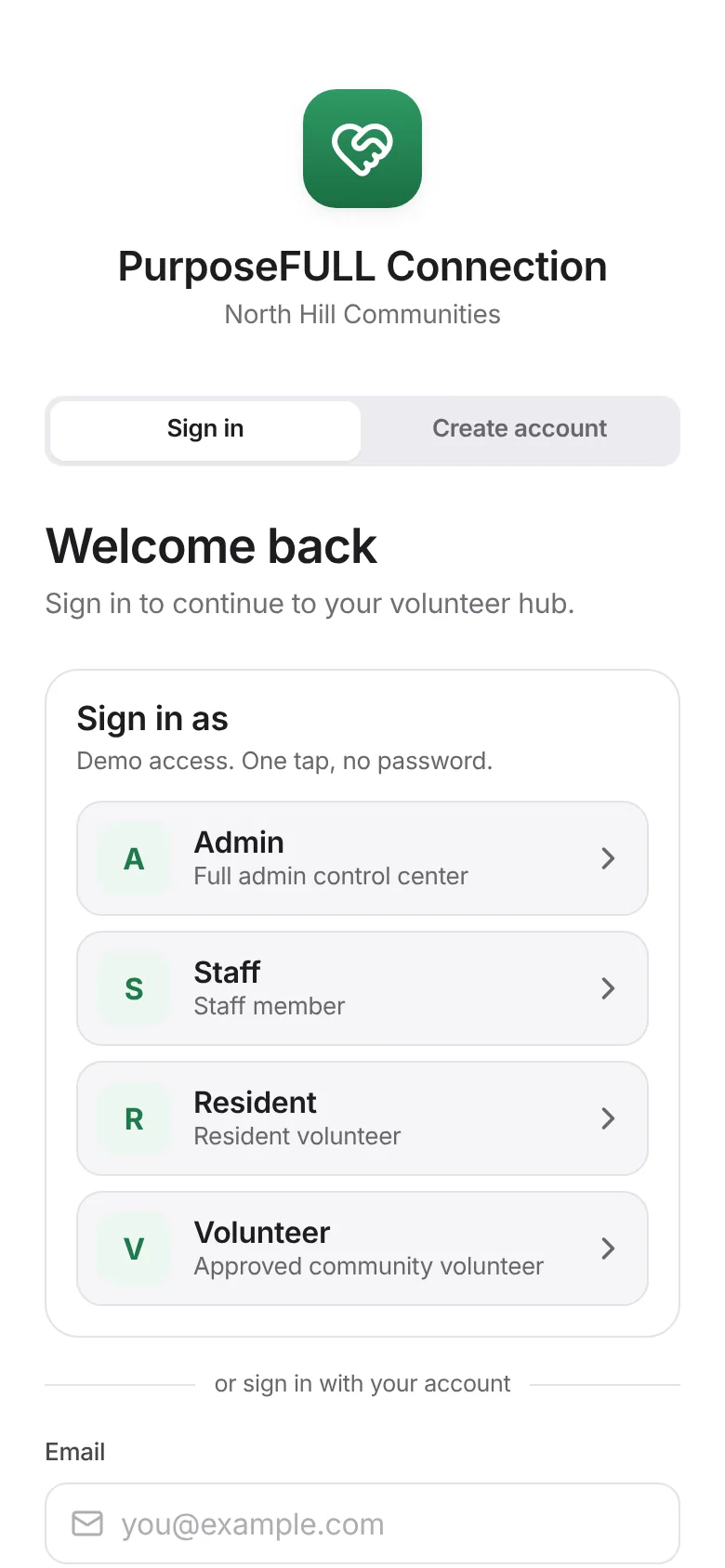
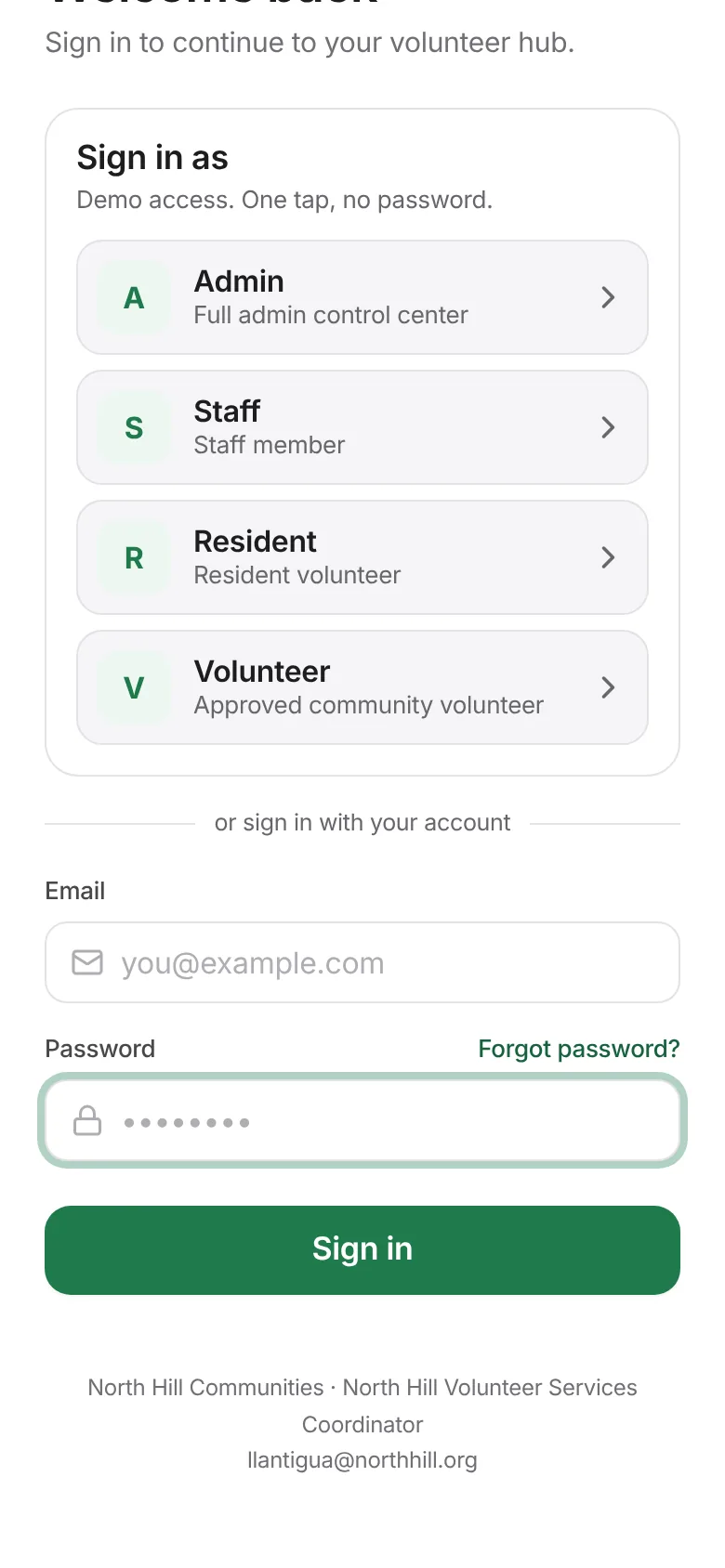
Enter your email and password and tap Sign in.
Forgot it? Tap Forgot password? and enter your email. (Reset emails need the community’s email service to be switched on; otherwise ask an admin.)
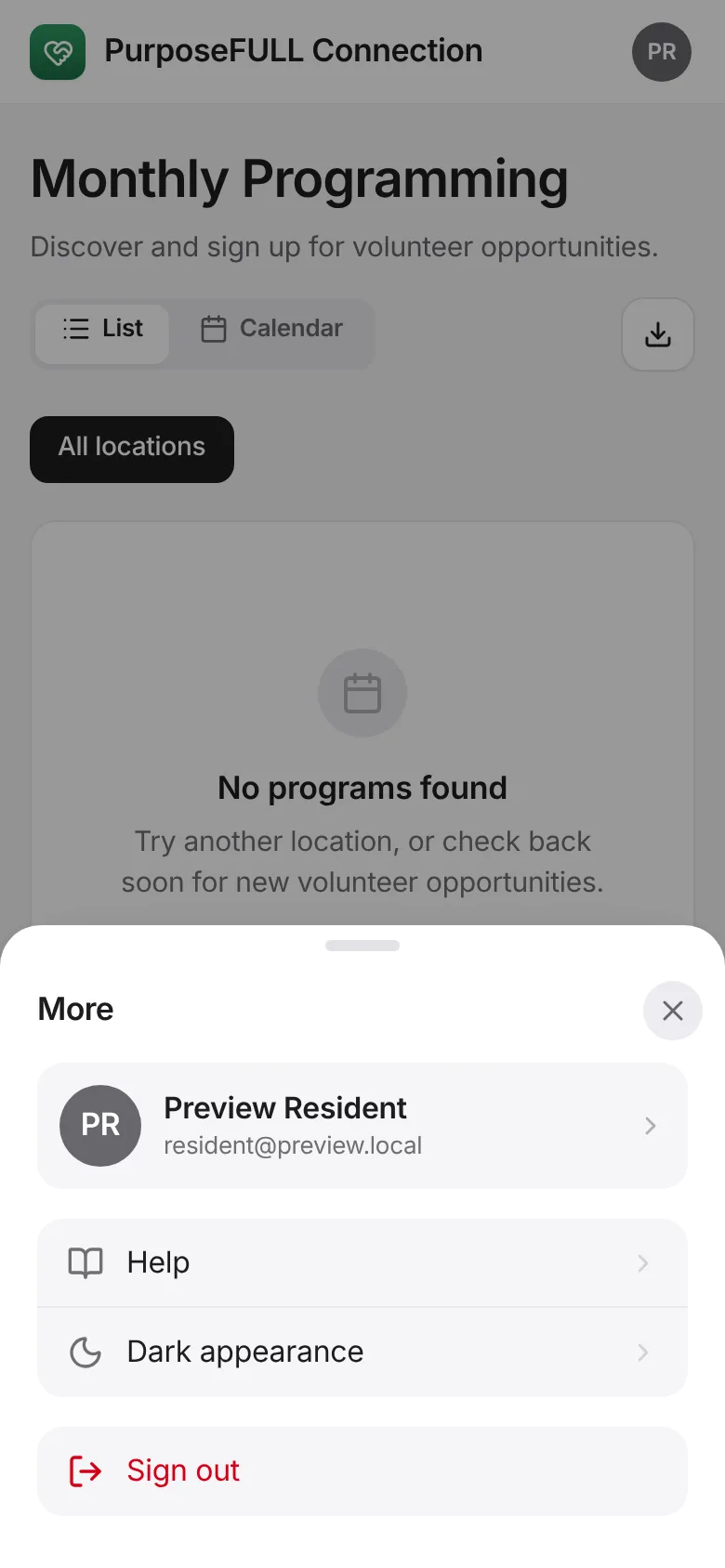
To sign out, tap More, then Sign out.
All PurposeFULL Connection guides PurposeFULL Connection FAQ