PurposeFULL Connection
Update your profile, skills, availability and reminders
Who this is for: Resident volunteer, Community volunteer, Staff, Admin
Resident volunteerCommunity volunteerStaffAdmin
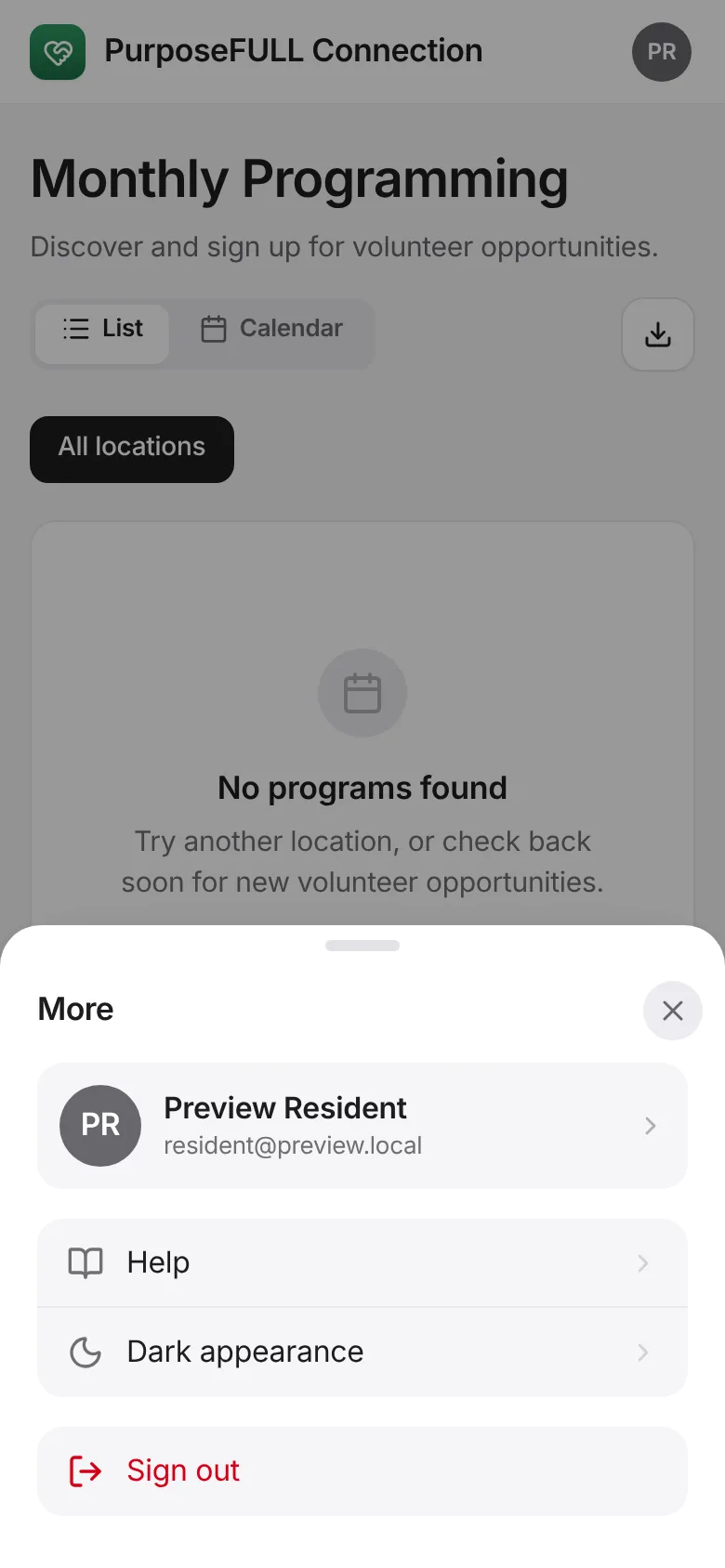
Tap More, then your name at the top.
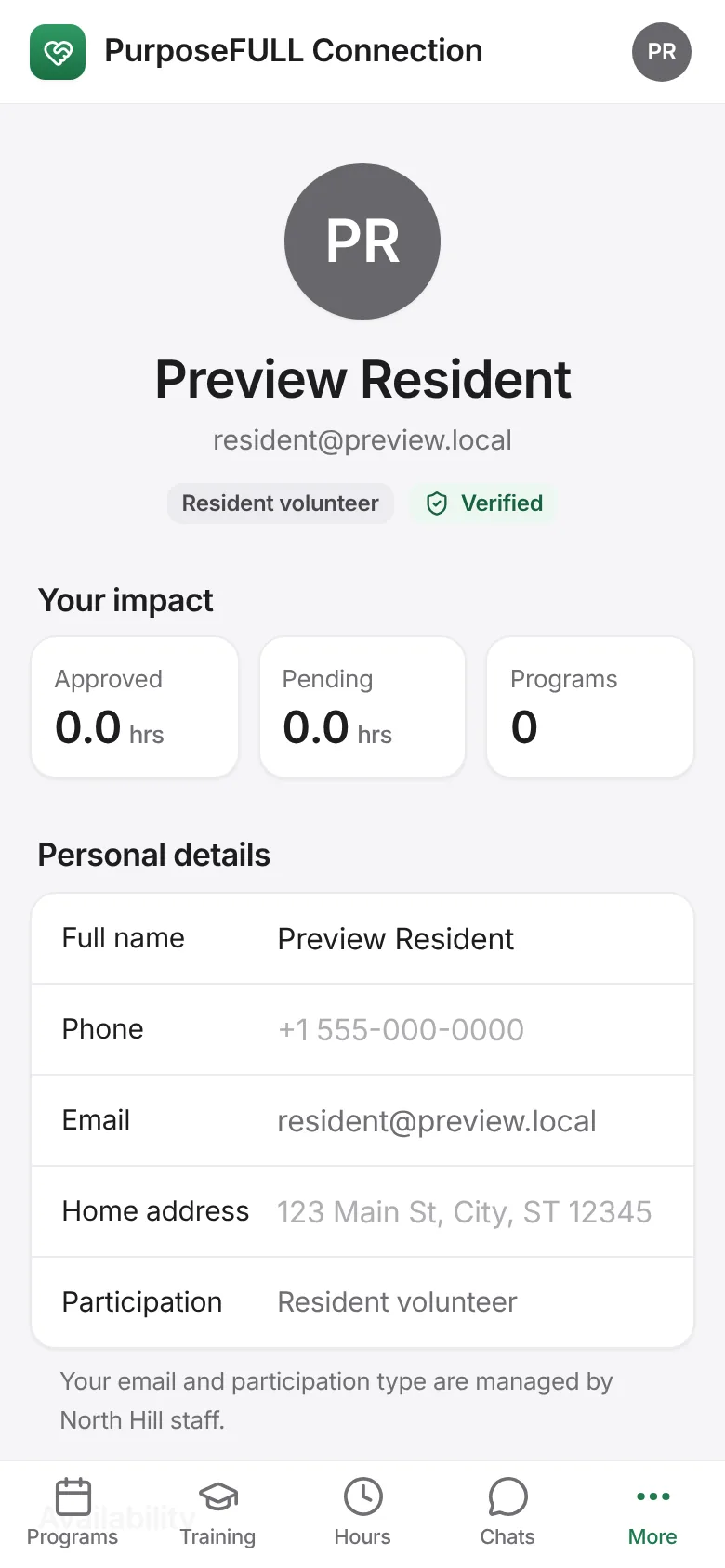
Edit your name, phone and home address. Your email and participation type are managed by staff.
Write your Availability, pick how you want Reminders (Email, Text, Push) and tick your Skills. Tap Save changes.

Recognition shows the badges you earn at 1, 5, 10, 25 and 50 approved hours.
All PurposeFULL Connection guides PurposeFULL Connection FAQ