CoreFitness
Check someone in from the desk
Who this is for: Staff, Admin
StaffAdmin
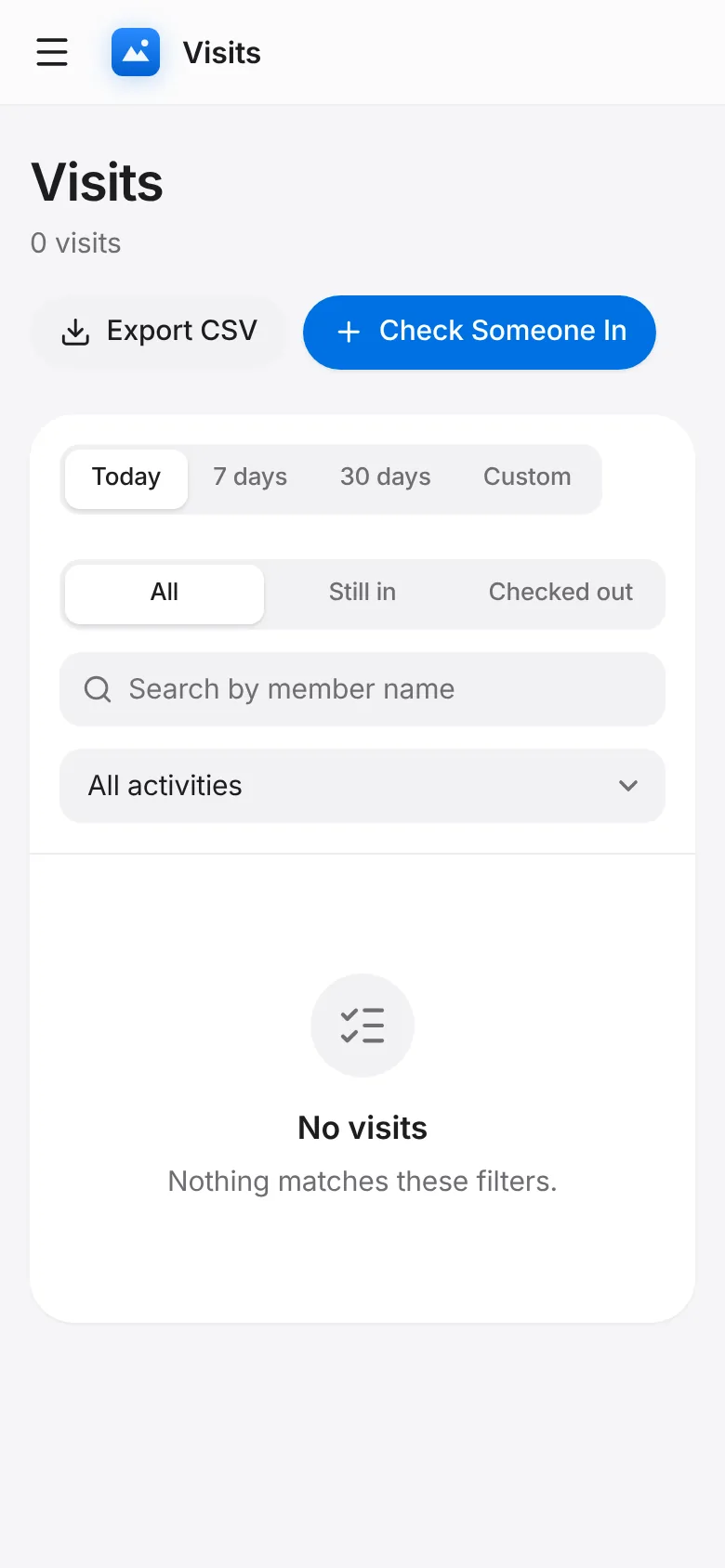
Tap Visits → Check Someone In.
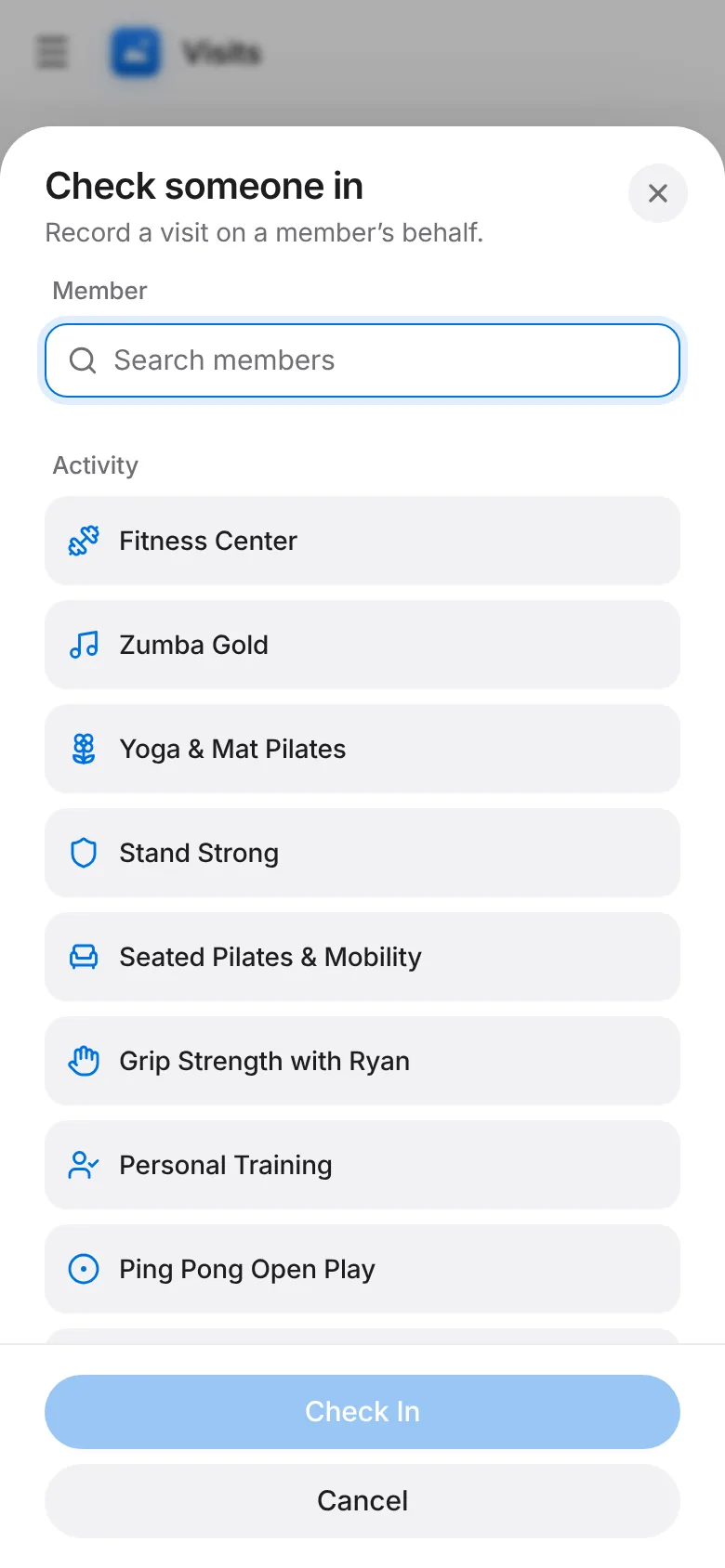
Search the member by name, pick the activity and tap Check in. The visit shows as Still in with method Staff.
CoreFitness
Who this is for: Staff, Admin
Tap Visits → Check Someone In.
Search the member by name, pick the activity and tap Check in. The visit shows as Still in with method Staff.