CoreFitness
Create or edit an activity
Who this is for: Admin
Admin
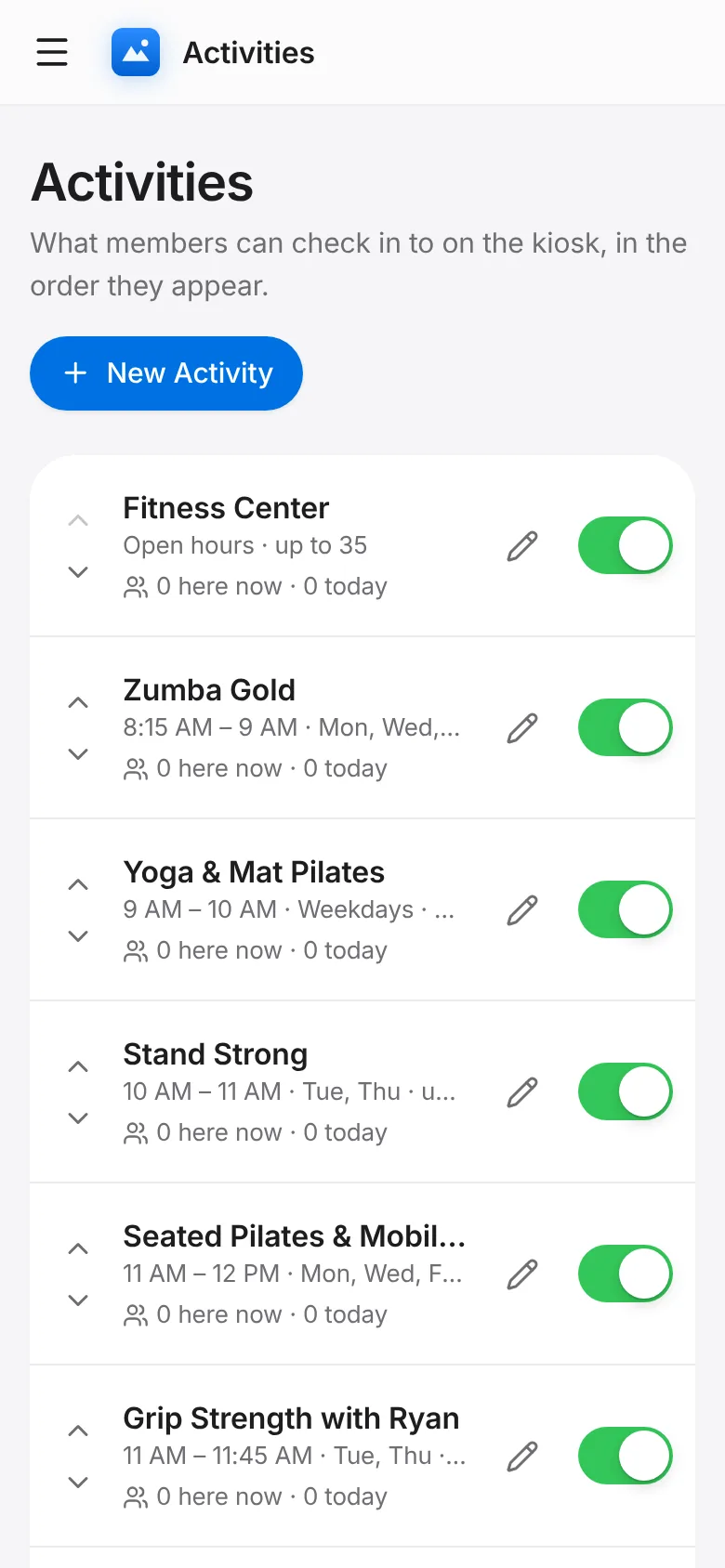
Tap Activities → New Activity.
Enter the title, an icon and a description, and tick whether it is active. Set a capacity if the room has a limit.
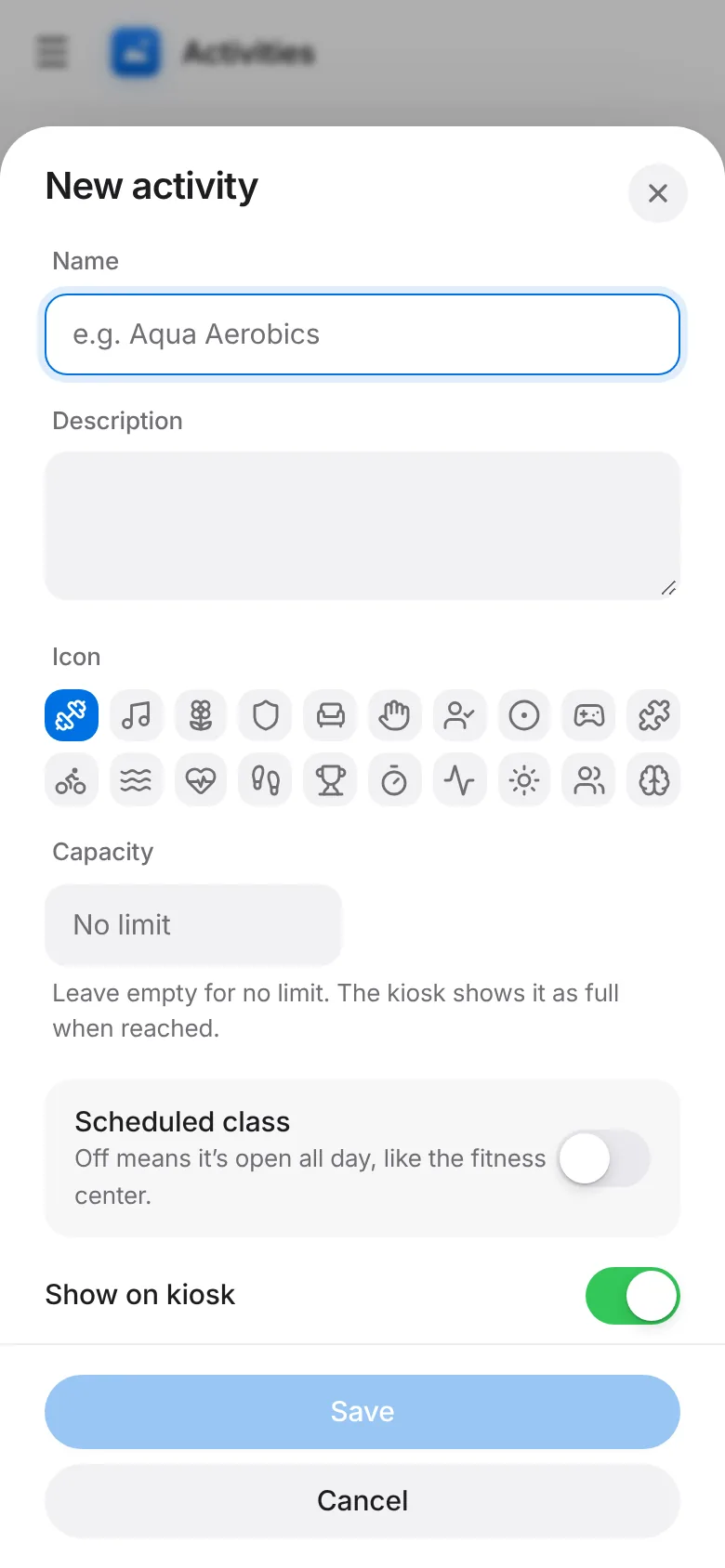
Set the days and times it runs, or leave it as open hours. Tap Save.
To change one later, tap Edit next to it.