CoreFitness
Getting started as Staff
Who this is for: Staff
Staff
The staff console is where you see who is in the building, help members and fix check-ins.
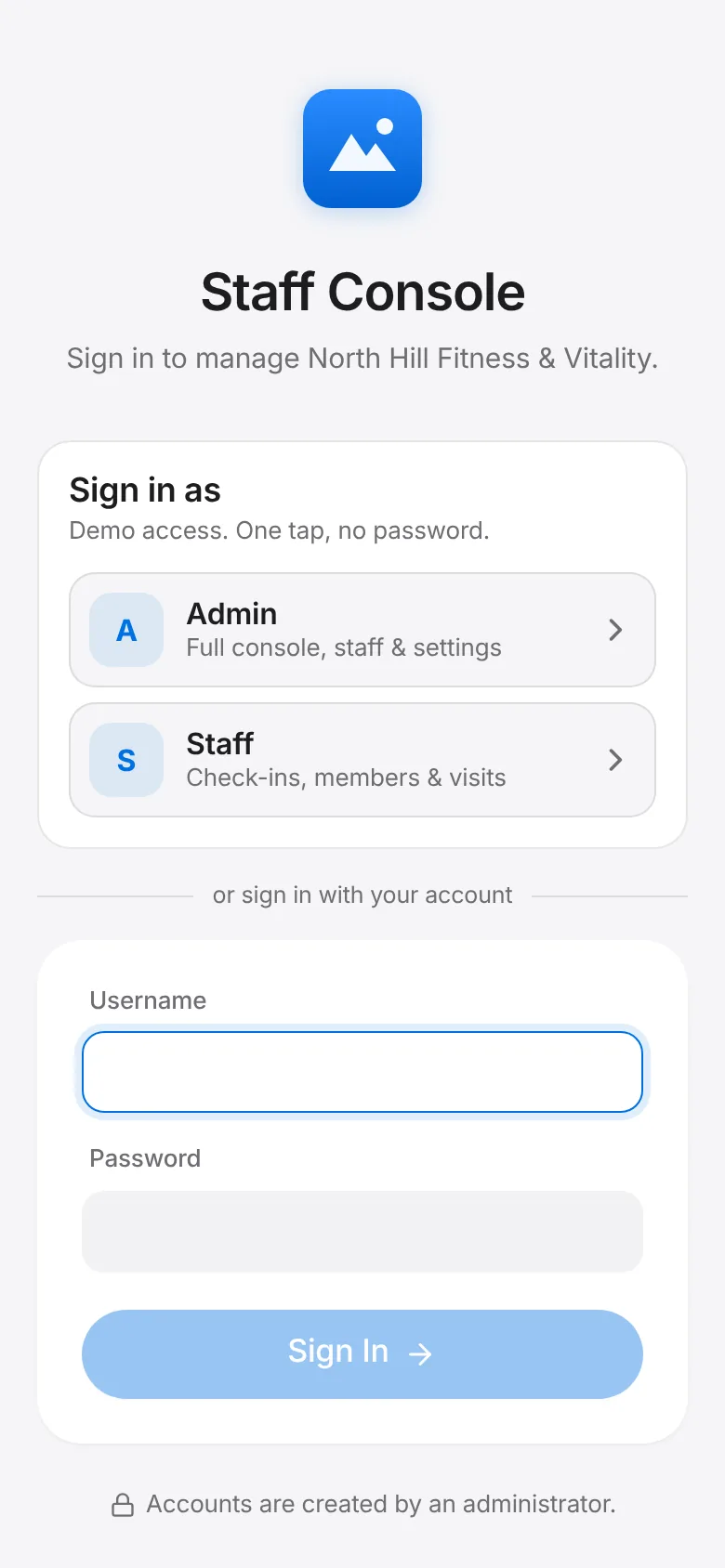
Open the staff console and sign in with your staff account.
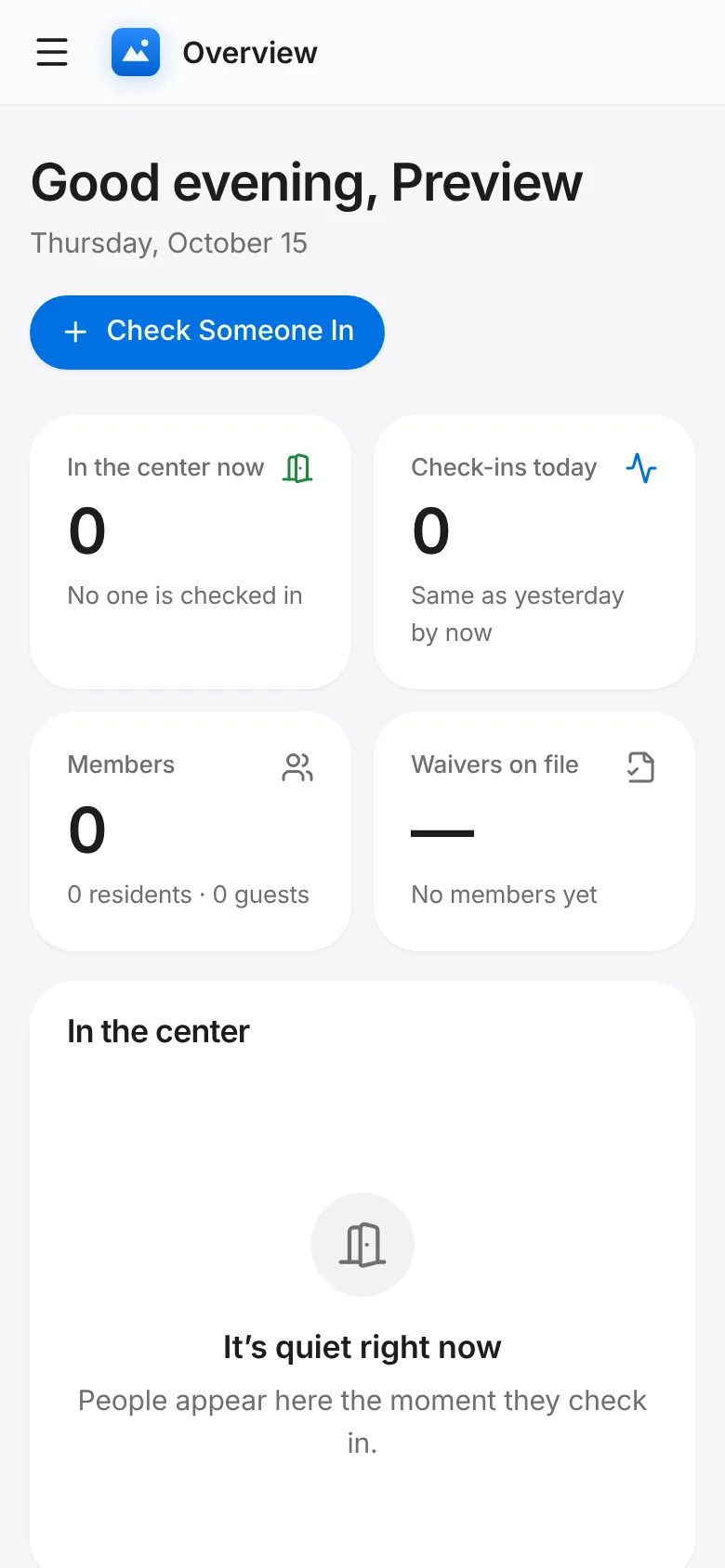
Overview shows who is in now, today’s check-ins, members without a waiver and the busiest hours.
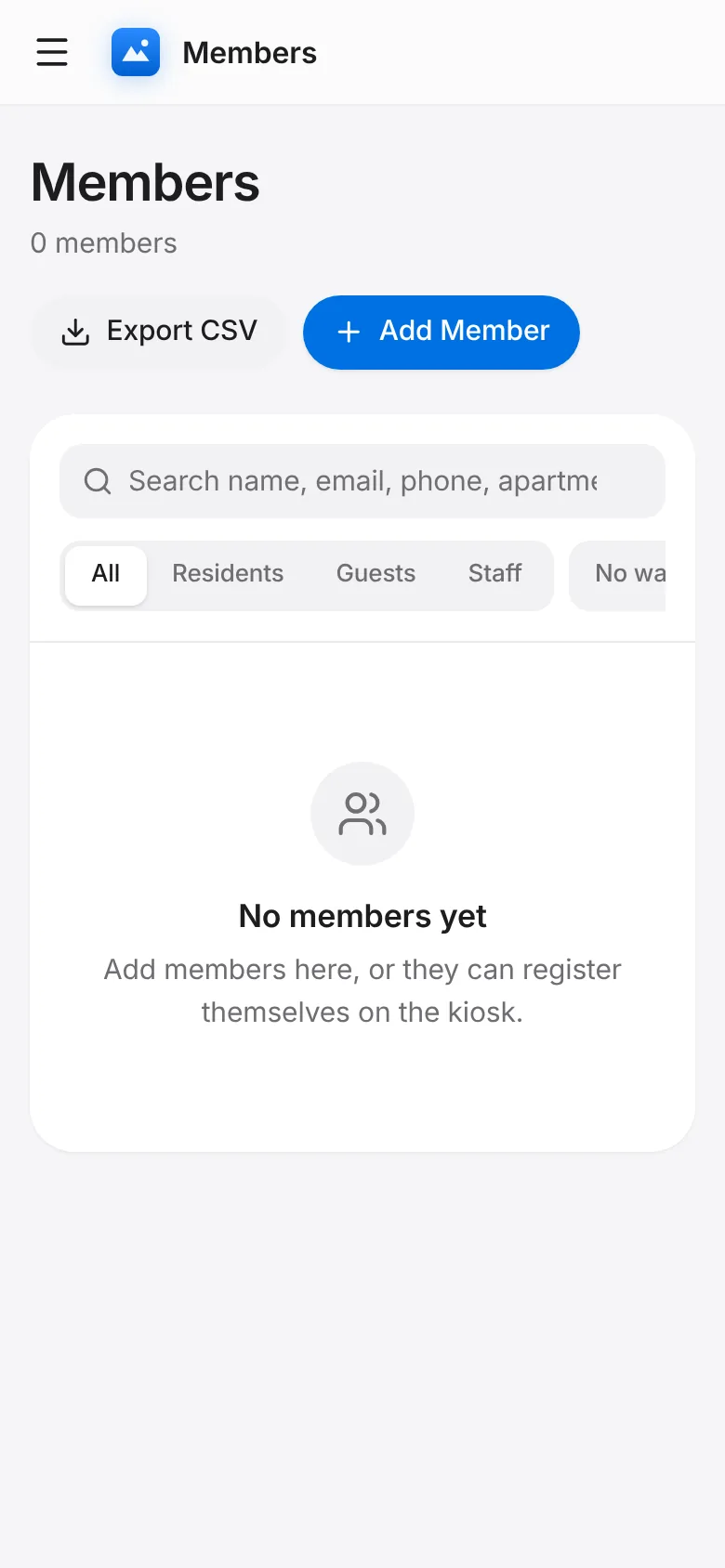
Members: find a person, see their pass, waiver and visit history, or add someone who can’t use the kiosk.
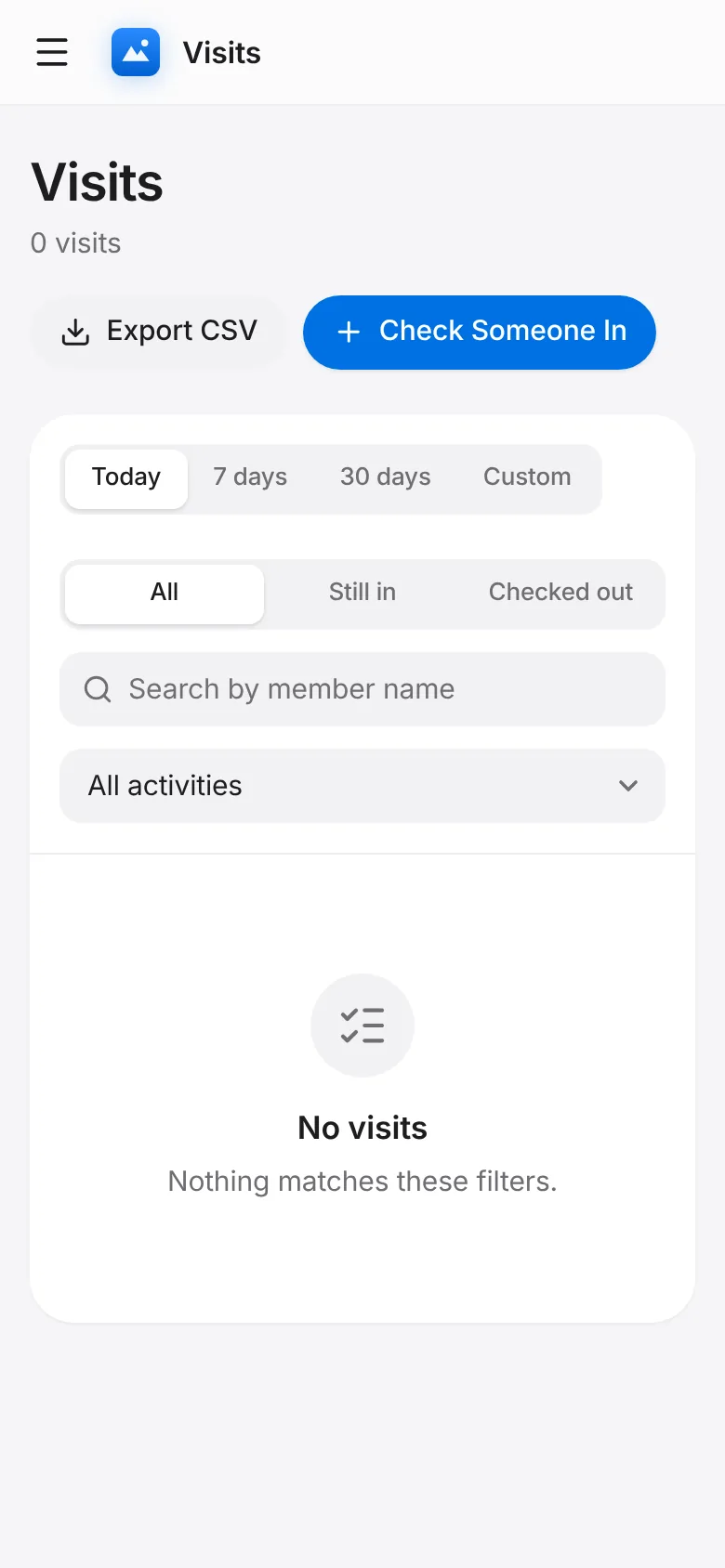
Visits: every check-in, who is still in, and a Check Someone In button for the desk.
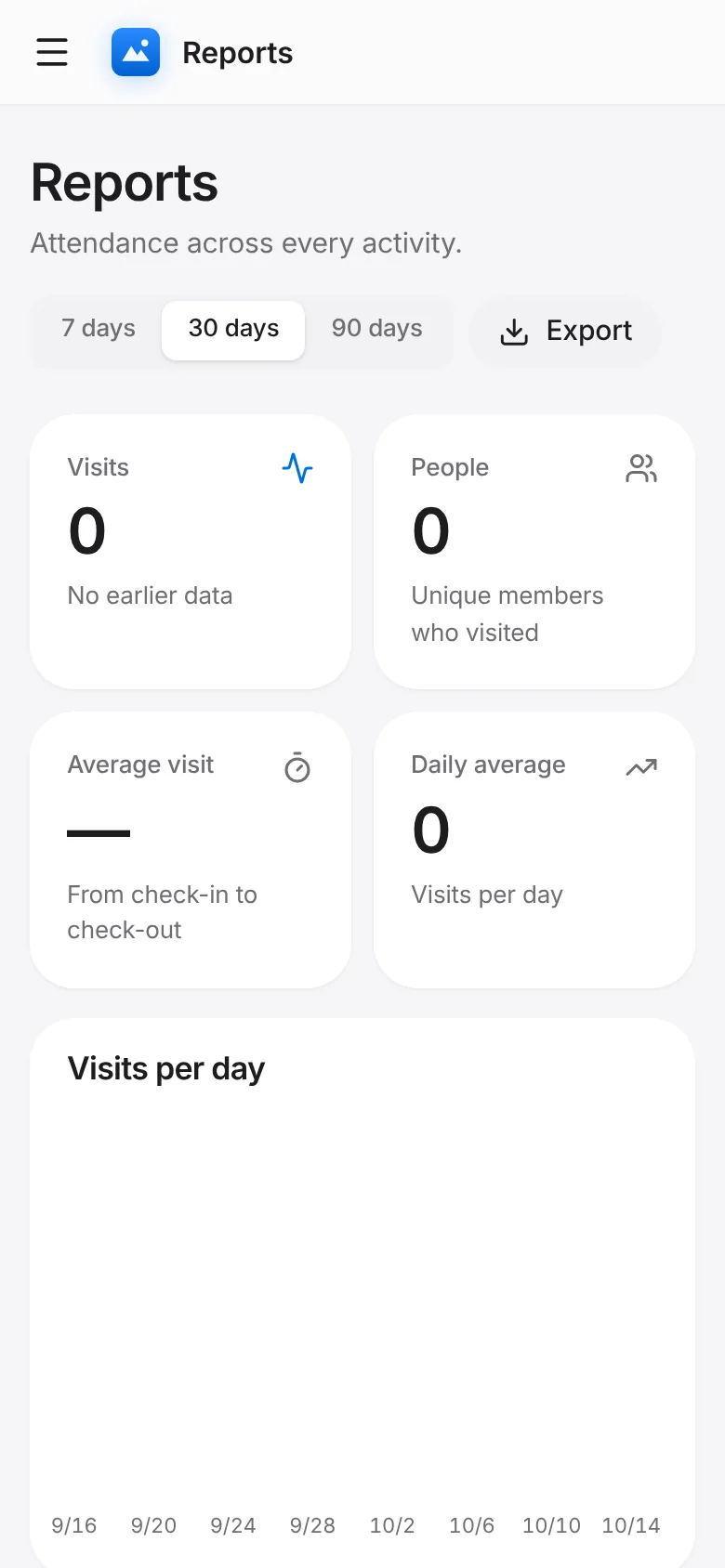
Reports show attendance over 7, 30 or 90 days and export to CSV.