CoreFitness
Review visits and export them
Who this is for: Staff, Admin
StaffAdmin
Tap Visits. Choose Today, 7 days, 30 days or a Custom range, then All, Still in or Checked out, and an activity.
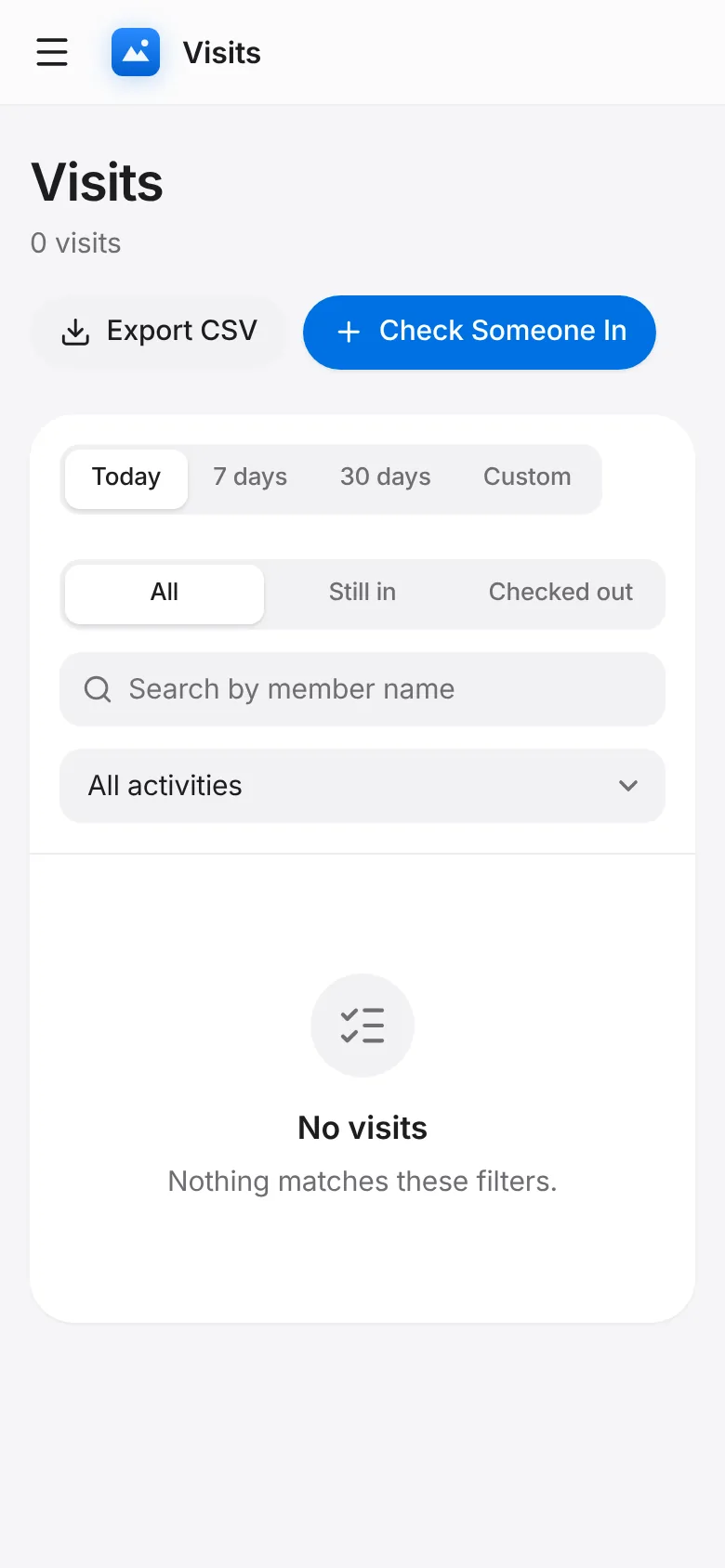
Search by member name. Each row shows the member, activity, time in and time out.
Tap Export CSV to download the list you are looking at.