PurposeFULL Connection
Create admin roles and permissions
Who this is for: Admin
Admin
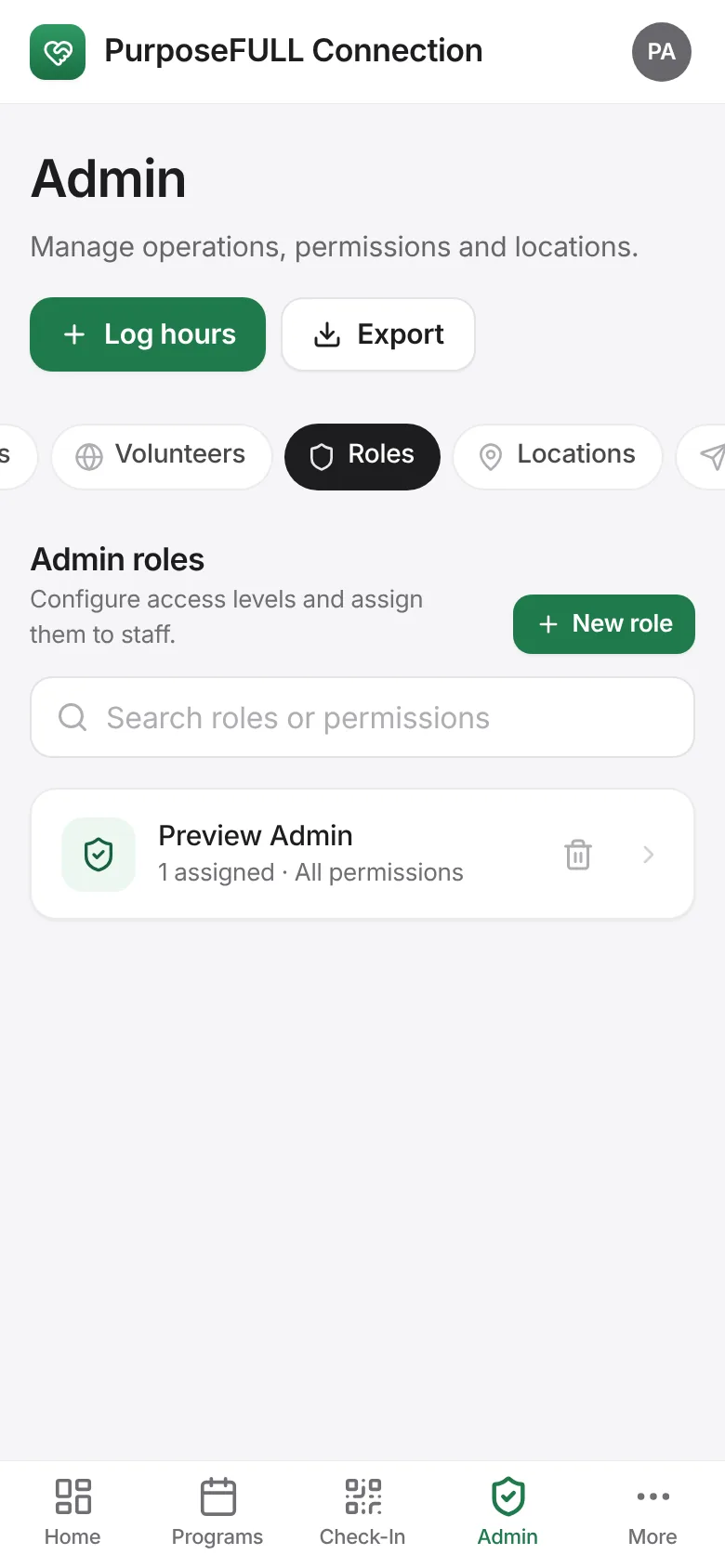
Tap Admin → Roles → New role.
Name the role and tick its permissions: user management, role management, locations, programs, hour approvals, hour management, documents, messaging.
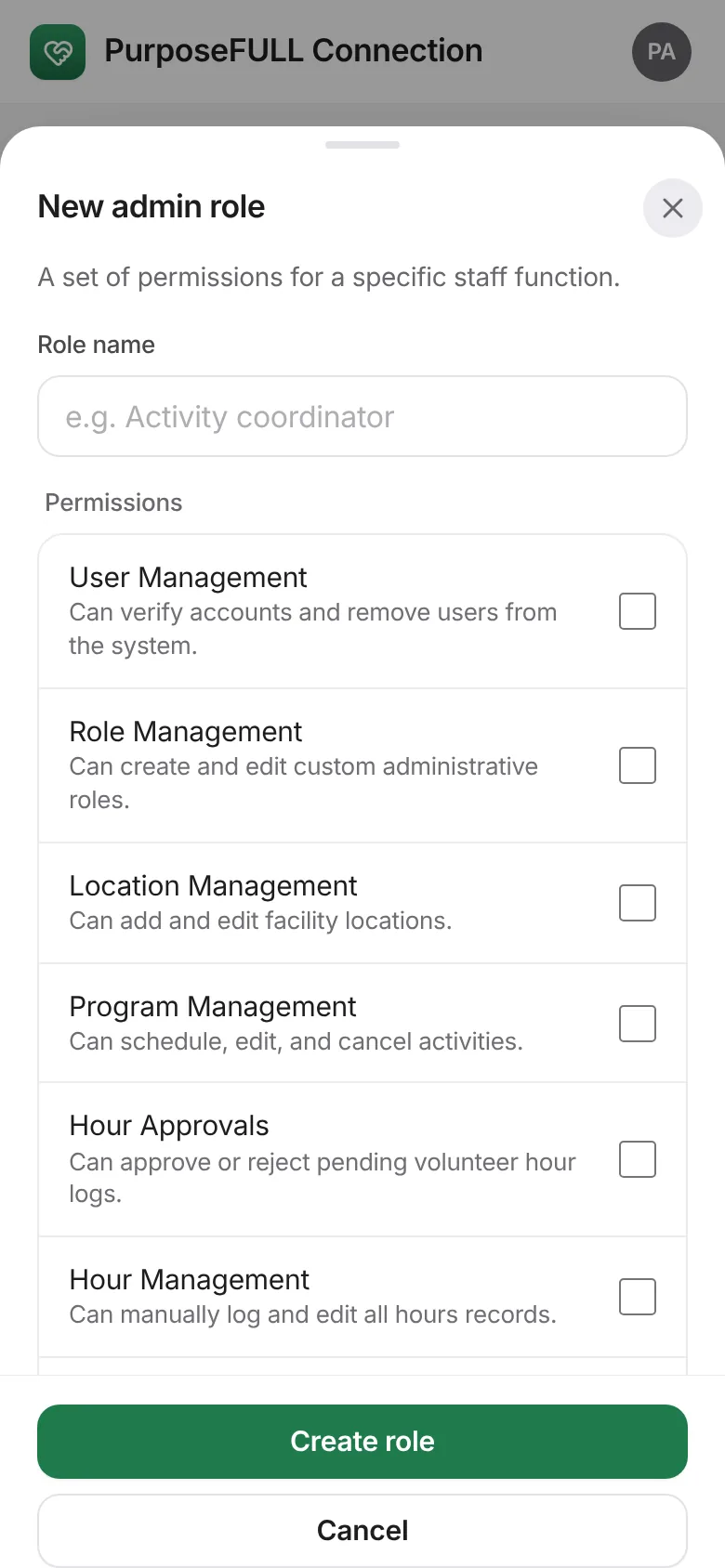
Tap Create role, then assign it to staff from Admin → Users → Edit.
All PurposeFULL Connection guides PurposeFULL Connection FAQ