PurposeFULL Connection
Getting started as an Admin
Who this is for: Admin
Admin
Set up locations, roles and the first programs; then your week is approvals, check-ins and messaging.
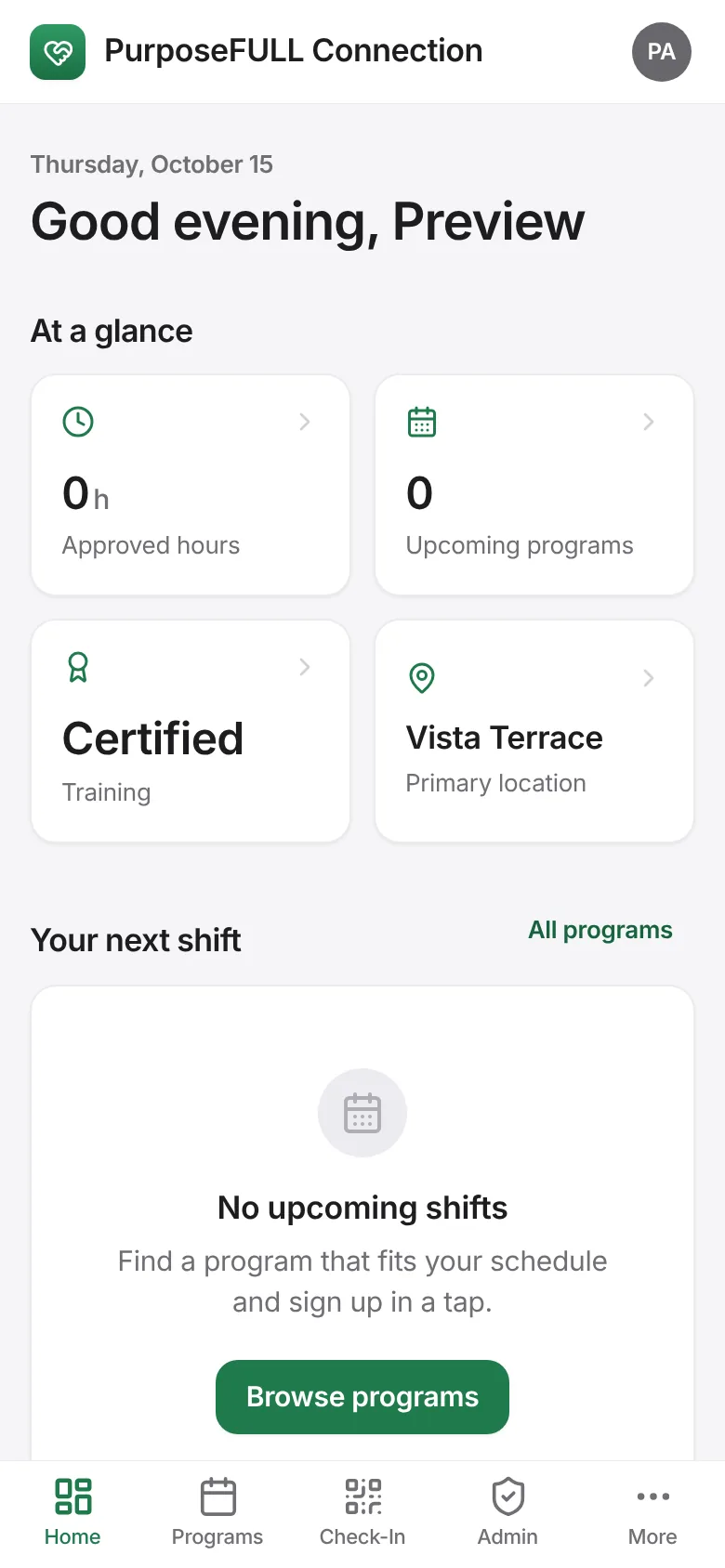
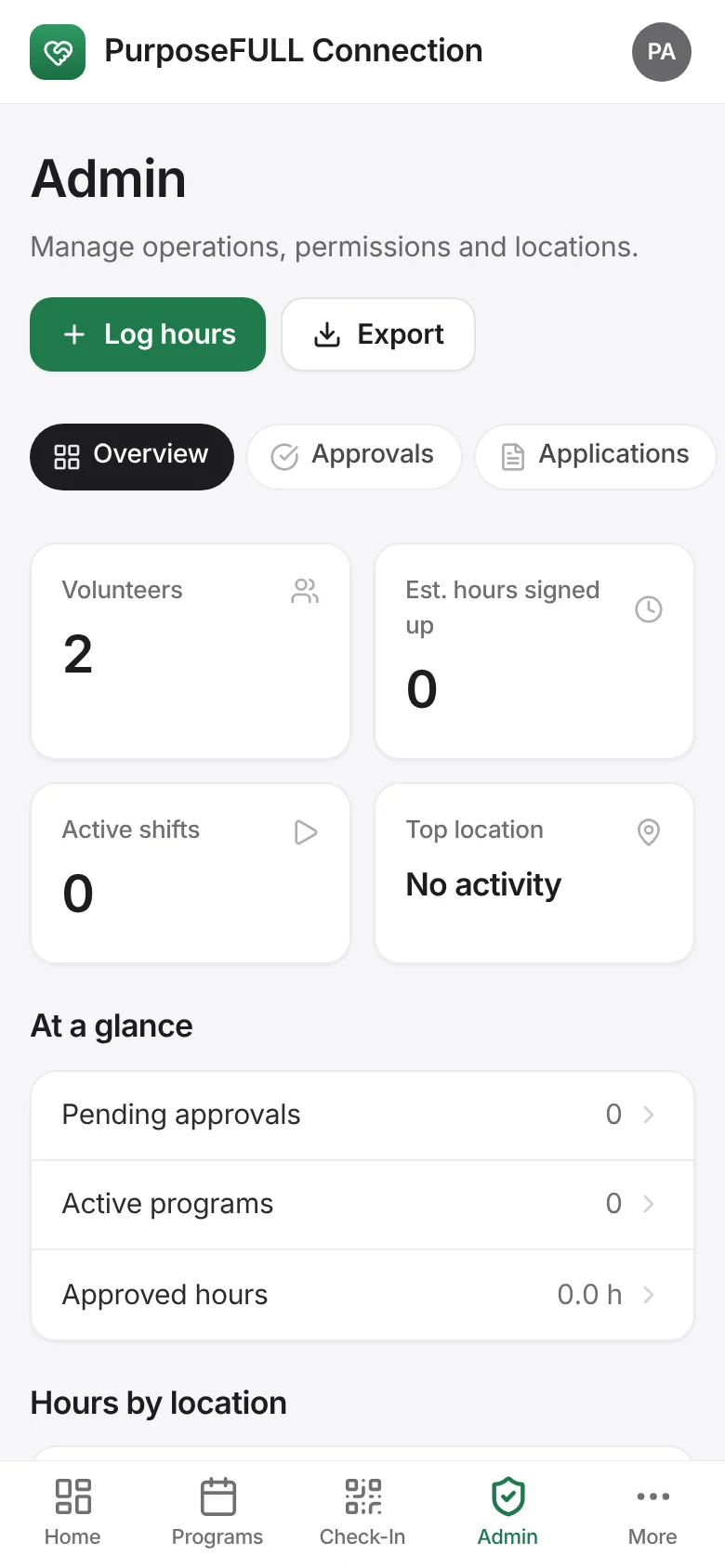
Sign in. Admins get Home, Programs, Check-In and Admin in the tab bar.
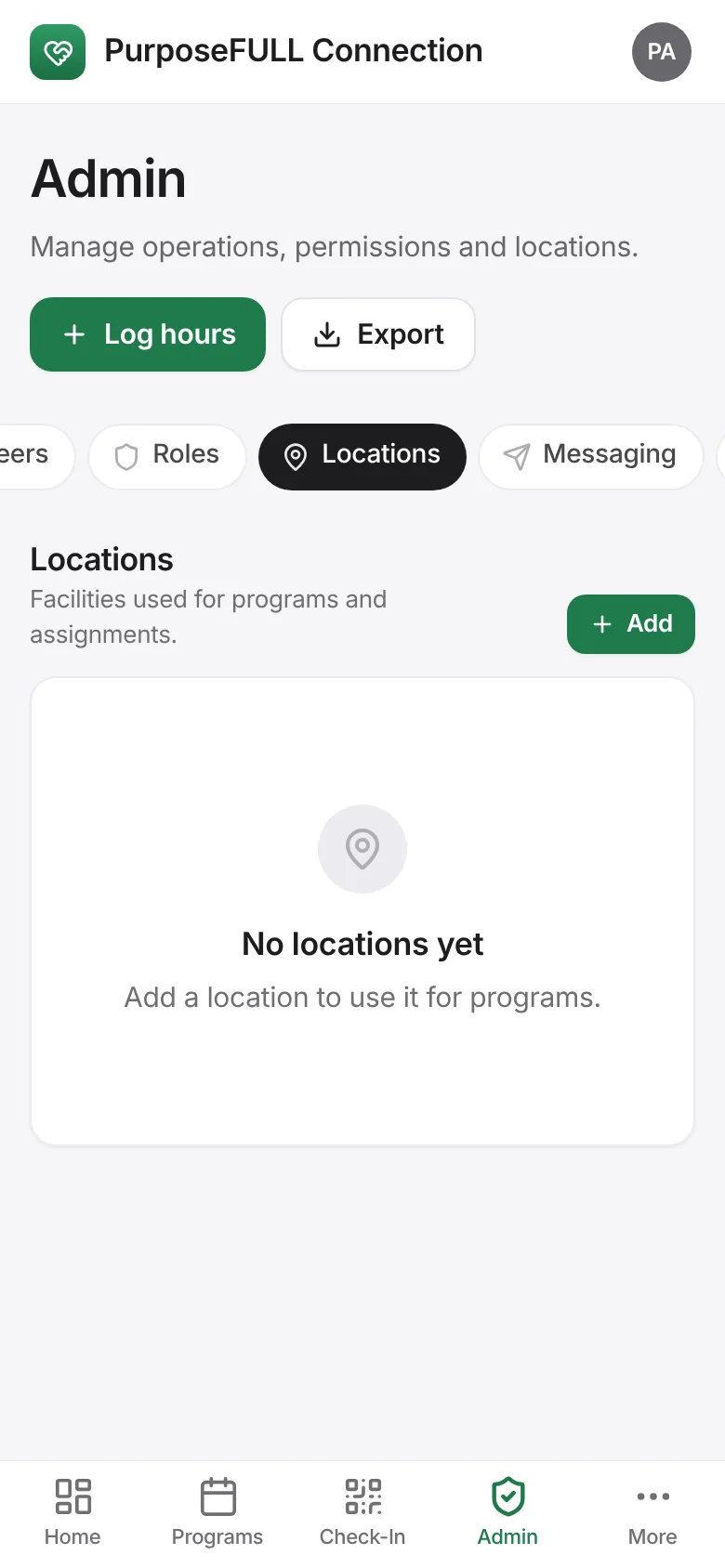
Admin → Locations: add the facilities programs happen at.
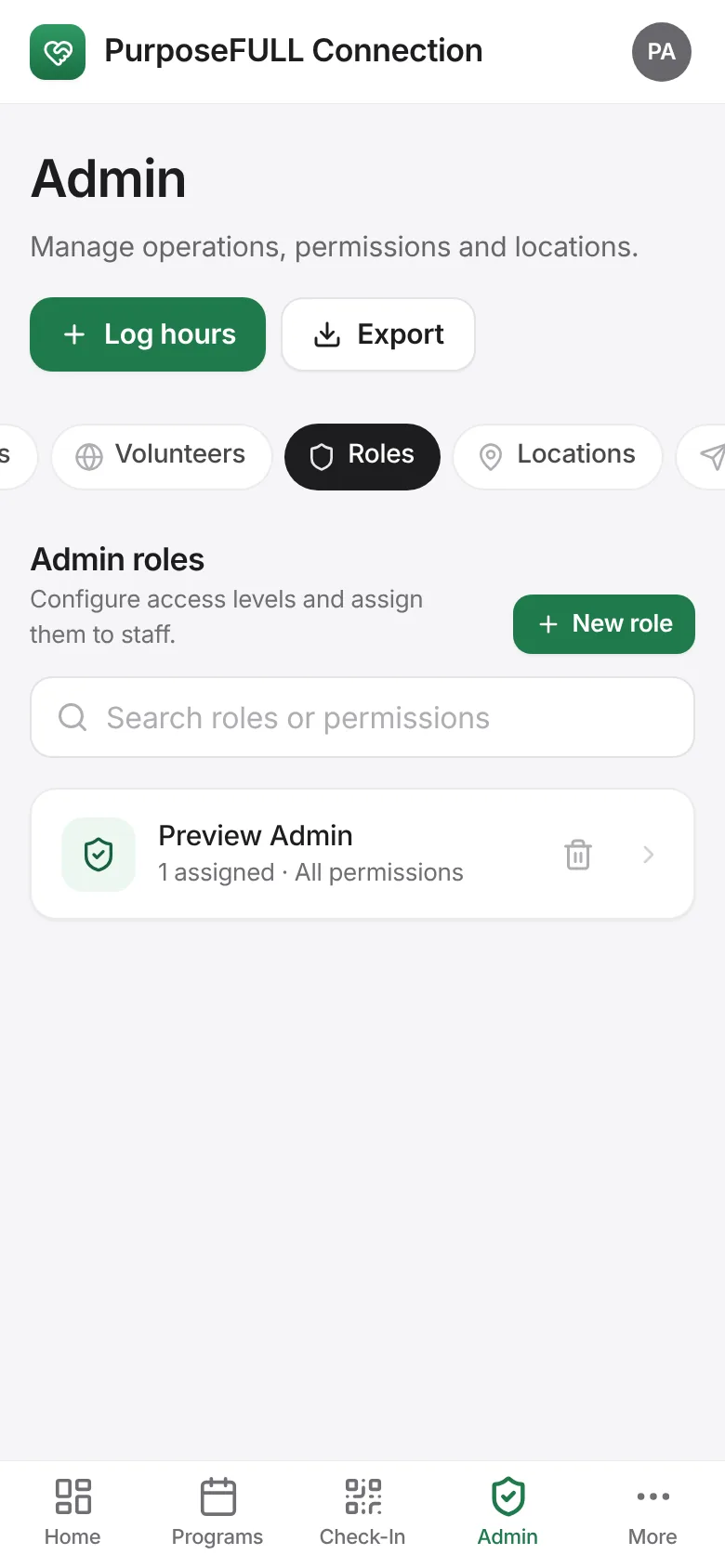
Admin → Roles: create admin roles (for example Coordinator) with just the permissions that job needs, and assign them to staff.
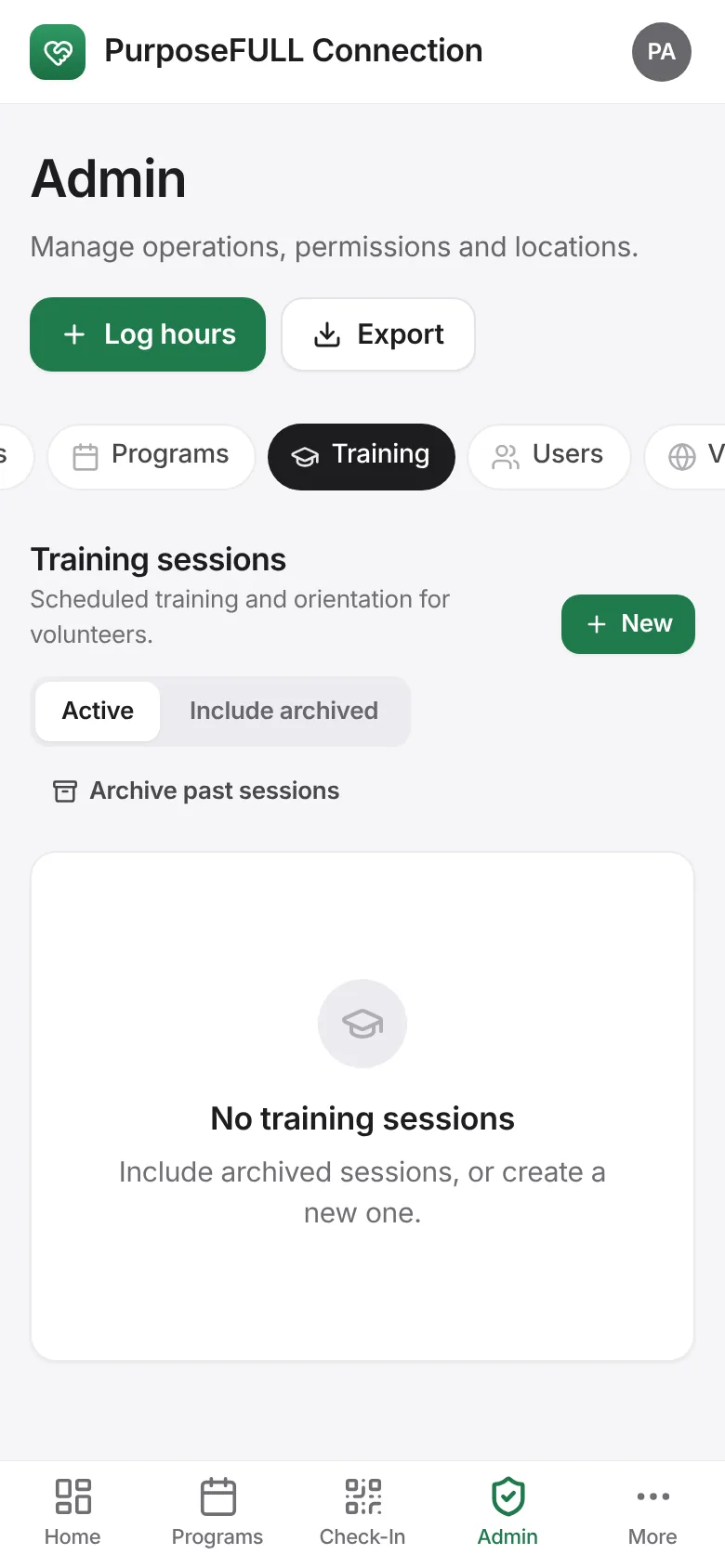
Admin → Training: schedule the orientation sessions new volunteers must attend.
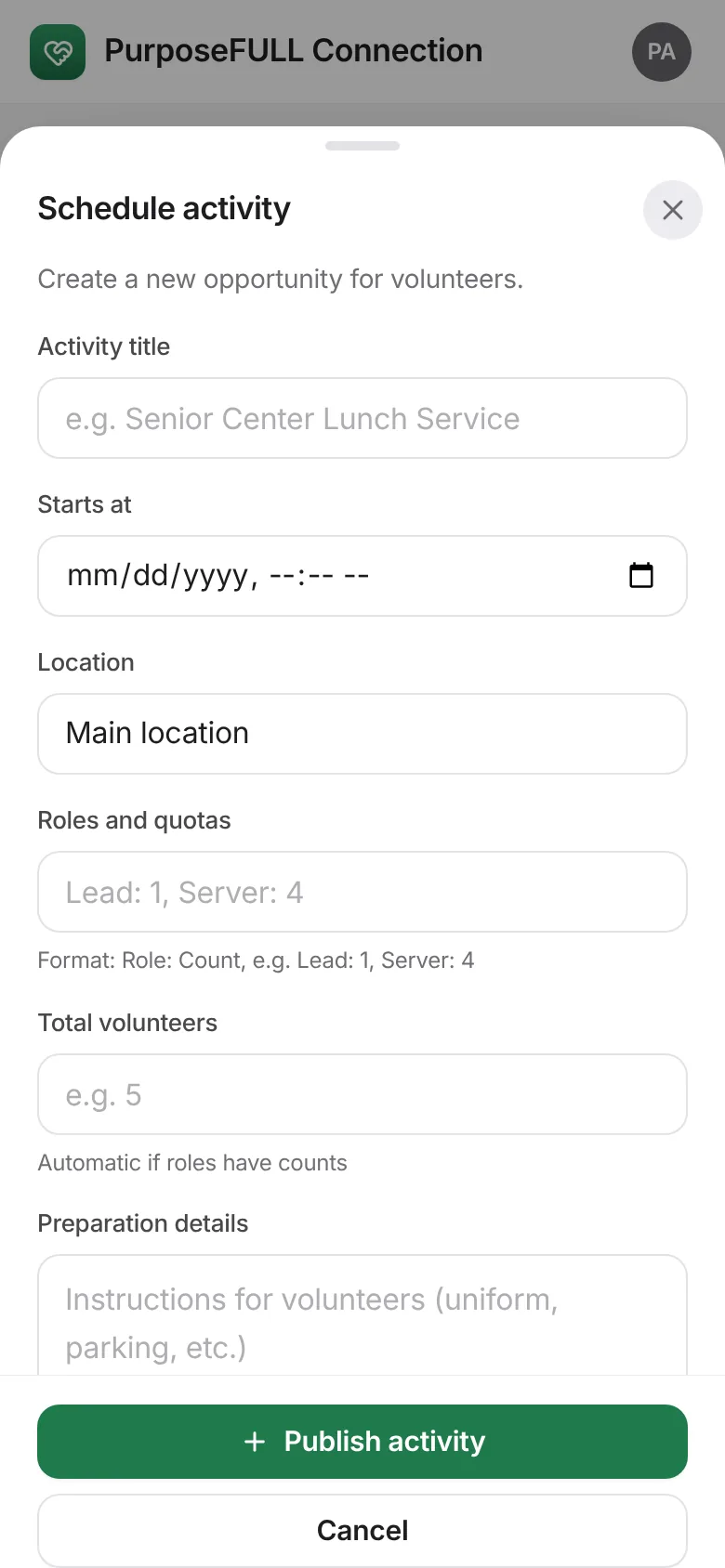
Programs → Post activity: publish the first opportunities.
Each week: approve hours under Admin → Approvals, review Applications, run the Check-In desk on the day and message volunteers from Messaging.
All PurposeFULL Connection guides PurposeFULL Connection FAQ